
Lost AirPods? Here's Exactly What to Do
AirPods are small, expensive, and disappear at an alarming rate. One second they're in your ears, the next they've vanished into the void between your couch cushions — or worse, somewhere you were in public. Take a breath. The good news: the vast majority of lost AirPods are found. Most are sitting within five metres of where you last used them. This guide walks you through every step, in the right order.
Step 1: Check Find My First (iPhone and Apple Users)
If your AirPods are linked to your Apple ID, Find My is your fastest starting point. Open the Find My app on your iPhone or iPad, tap the Devices tab, and look for your AirPods in the list. If they appear with a green dot, they're online and you can see their last known location on the map — tap Play Sound to make them chirp.
- Open Find My. Tap the Devices tab at the bottom of the screen.
- Select your AirPods. They'll appear in the device list if they were ever paired to your Apple ID.
- Check the map. A green dot means they're currently reachable. A grey dot shows the last known location.
- Tap Play Sound. Both earbuds will emit a chirping sound — even if only one is in the case.
You can also access Find My from any browser at icloud.com/find — useful if you don't have your phone on you.
AirPods Not Showing in Find My? Here's Why
If your AirPods aren't appearing — or show as offline — don't panic. There are a few common reasons this happens, and none of them mean the AirPods are gone forever.
- Battery is dead. AirPods can't ping the network with no charge. Find My will show the last location before the battery died.
- They were never set up in Find My. Older AirPods (1st gen) don't support precision finding. Check Settings → [Your Name] → Find My to confirm.
- They're out of Bluetooth range and offline. Find My relies on nearby Apple devices anonymously relaying the signal. In a rural or low-traffic area, this network may be sparse.
- The case is closed and earbuds are inside. AirPods in a closed case are harder to ping. Open the case lid and try again.
In all of these cases, the last known location on the map is still your best lead. Start your physical search there.
Manual Search Strategy: Retrace Every Step
When technology hits its limit, a systematic physical search is surprisingly effective. Resist the urge to search randomly — work through locations in the order you used your AirPods.
- Couch and chair cushions. Remove them entirely and check the gap behind and underneath. AirPods are perfectly sized to slip through.
- Car seats and footwells. Check under the seat, in door pockets, and the gap between the seat and centre console.
- Every jacket and bag you've worn recently. Check all pockets — including ones you rarely use. AirPods regularly end up in coat pockets from weeks ago.
- Gym bag and sports kit. If you use AirPods while working out, check inside shoes, in the bottom of your bag, and tangled in earphone wires.
- Bedside table, nightstand, and under the bed. AirPods placed on smooth surfaces slide off easily in the night.
- Your last workplace or desk. Under papers, behind monitors, inside drawers.
One practical tip: do this search in good lighting. The white or black case blends into surfaces more than you'd expect.
Play a Sound — Even If Only One Earbud Is Missing
Find My lets you play a sound on the left earbud, the right earbud, or both independently. If only one is missing, use the selector in the app to play sound on just that side. The chirp is not loud, so do this in a quiet environment. Get down low if you're searching furniture — the sound carries differently at floor level.
If the AirPods are inside the closed case, the sound may be muffled or inaudible. Try opening every bag, drawer, and compartment you might have placed them in while you trigger the sound repeatedly.
If One AirPod Is Lost for Good: Replacement Costs
Apple sells individual replacement earbuds directly — you don't have to buy a whole new pair. As of 2025, replacement pricing is roughly:
- AirPods (3rd gen) — one earbud: ~$69. Available via Apple Support or an Apple Store.
- AirPods Pro (2nd gen) — one earbud: ~$89. Same process.
- AirPods Max — ear cushions or headband: from $29. The main unit is harder to replace individually.
- AppleCare+ does not cover lost AirPods. It covers accidental damage, not loss. There is no exception.
To order a replacement, go to Apple Support → AirPods → Lost or damaged AirPods. You'll need your serial number, which is in Settings → Bluetooth → your AirPods → the info icon.
Lost in a Public Place? Do This Immediately
If you suspect your AirPods were left at a gym, café, airport, hotel, or any public venue, act quickly — the window for recovery is short.
- Go back in person if possible. Staff often keep found items for a few hours before logging them, and your visit signals you're serious about recovering them.
- Report to lost-and-found. Give a description: model, colour, case style, any scratches or distinguishing marks. Leave your name and phone number.
- Ask to speak to cleaning staff or the last person who worked the area. They often find items before management does.
- Check regularly. Call back the next day and the day after. Items surface when areas are fully cleaned.
- Use Find My to screenshot the last known location. If it maps to the venue, show it to staff — it removes any doubt.
Prevent This Next Time: What Actually Works
Once you've found them (or replaced them), it's worth spending five minutes on prevention. The methods that reliably work are different from what most people try.
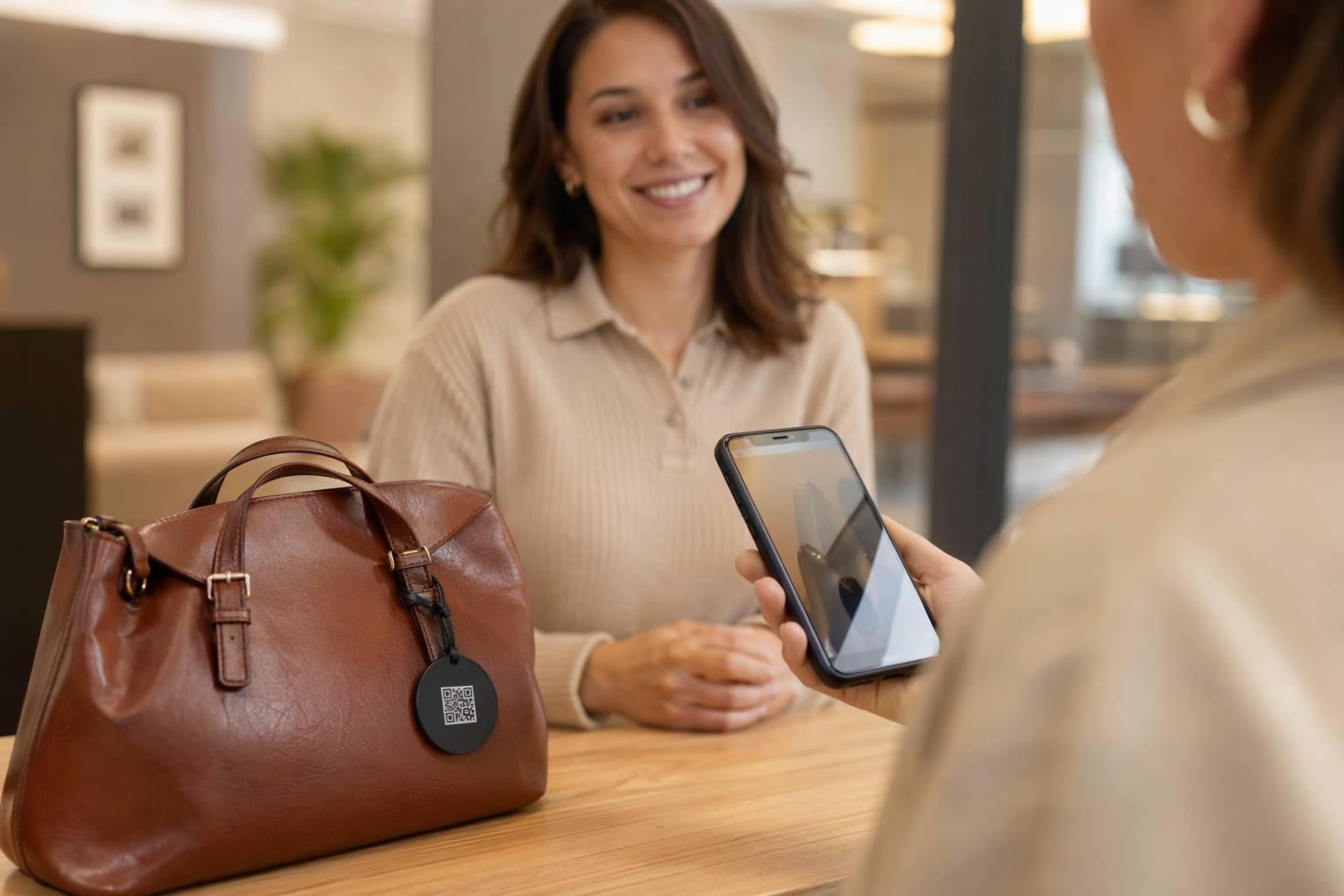
- QR sticker on the case (Tagback). Stick a Tagback QR sticker on the outside of your AirPods case. If someone finds it, they scan the code with any phone — no app needed — and reach you instantly. No personal information is exposed. This is the only method that works when someone else finds your AirPods, which is how most public-place recoveries actually happen.
- Apple Watch Find My integration. If you have an Apple Watch, you can trigger the Find My sound directly from your wrist without unlocking your phone.
- Tile clip or AirTag workaround. The AirPods case is too small for a standard AirTag, but a Tile Mate attached to a carabiner on your bag can alert you when you walk away from it.
- Designate one spot. The single most effective habit: one drawer, one tray, one pocket — always the same place. Every time.
The Tagback angle is worth emphasising: Find My only works if the finder has an iPhone and it's logged into a system that can ping your network. A QR sticker on the case works for any finder, on any phone, with no login, no app, and no friction. A stranger picks up your AirPods case at a coffee shop, scans the sticker, and your phone buzzes with a message. That's it.
AirPods go missing more than almost any other personal item — see the full list of things people lose most often for context. But with the right recovery steps and a bit of prevention, losing them for good is genuinely rare. Most AirPods come home.
FAQ
Can I find my lost AirPods without Find My?+
Yes. If Find My isn't set up, your best options are a systematic manual search retracing your steps, asking venue staff if lost in public, and checking the last place you remember using them. A QR sticker on the case (like Tagback) also means any finder can contact you without needing Find My at all.
Why are my AirPods not showing up in Find My?+
The most common reasons are a dead battery, the AirPods not being set up with Find My before they were lost, or being out of range of any Apple device that can relay the signal. Find My will still show the last known location before they went offline — start your search there.
Can I play a sound on just one missing AirPod?+
Yes. In the Find My app, tap your AirPods, then tap Play Sound. You'll see left and right options independently. If only one earbud is missing, you can trigger the sound on just that side.
How much does it cost to replace one lost AirPod?+
Apple charges approximately $69 per earbud for AirPods (3rd gen) and around $89 for AirPods Pro (2nd gen). You can order a single replacement through Apple Support — you don't need to buy the full pair. AppleCare+ does not cover loss, only accidental damage.
Start protecting what matters
Tagback is free, forever. No subscription. No app needed for finders.
Create your free tag