
Engraved Dog Tag vs QR Code Tag: An Honest Comparison
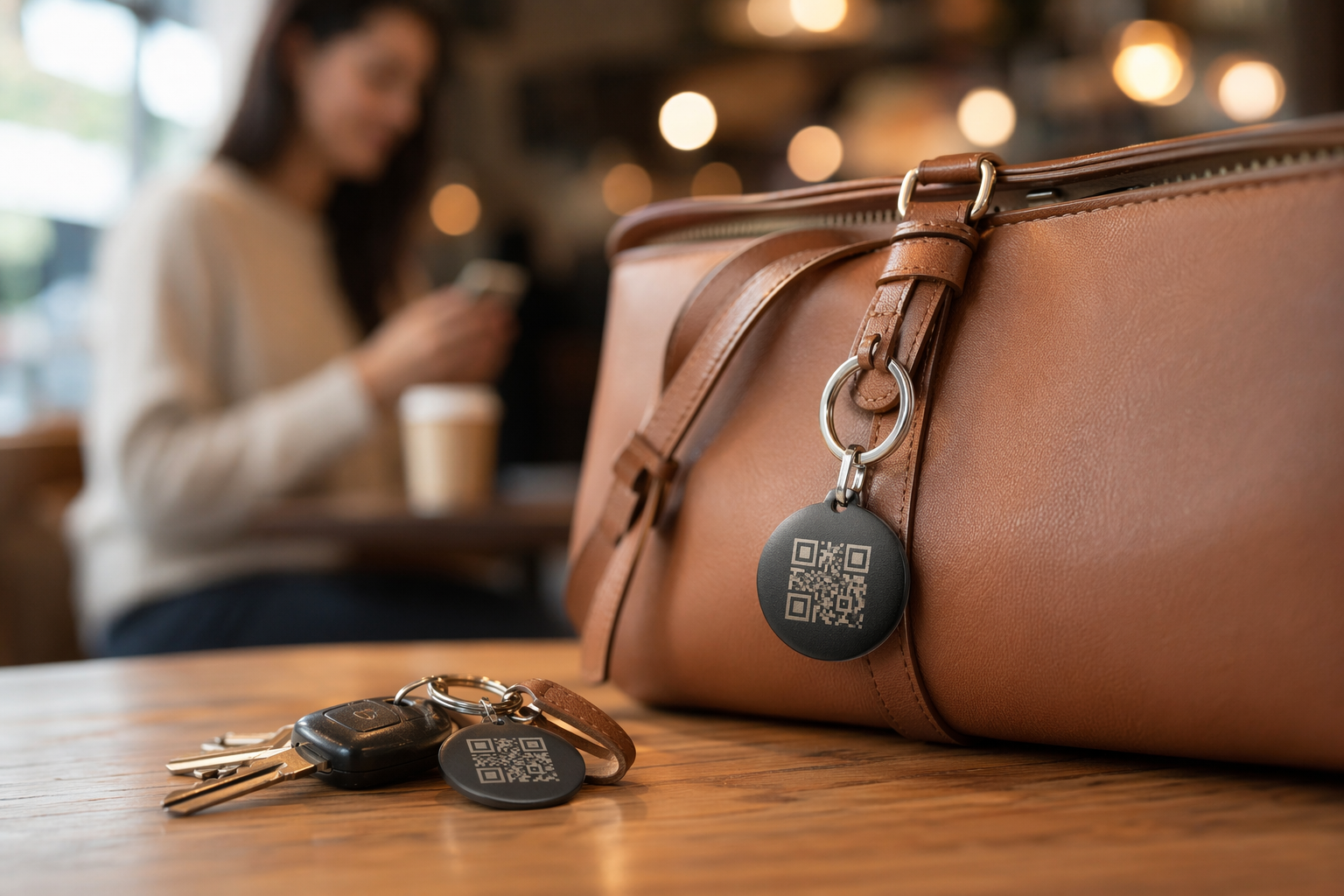
Engraved metal tags have been reuniting lost dogs with their owners for over a century. QR code tags have been doing the same for about a decade. Both work. Both fail. The question is: which failure mode can you live with — and is there a way to cover both?
This article breaks down exactly how each tag type works, where each one lets you down, and what the research on lost-dog recoveries actually suggests about the best dog ID tag setup for 2024 and beyond.
How Engraved Tags Work — and Their Real Failure Modes
An engraved tag is stamped or laser-etched metal. A finder reads it directly — no phone, no signal, no app. That simplicity is its greatest strength. But simplicity comes with hard constraints.
- You can't fit enough information. A 1.25" round tag holds around 4 lines of text. That's a name, a phone number, maybe a city. No medical conditions. No secondary contact. No "reward" details. No address if your number is there. You are always choosing what to leave out.
- Text wears off. Cheap stamped tags can become unreadable in 12–18 months on an active dog. The engraving fades shallowest at the edges first — right where letters live. A tag that looked fine last month may be blank to a stranger's eyes today.
- Phone numbers change. You move. You change carriers. You get a new number after a divorce or a job relocation. The tag does not update. If your dog slips out three years after you got a new number, that tag is silent.
- You cannot update it remotely. If you're traveling and your dog escapes from a house-sitter, the tag still shows your home number — not the sitter's, not the travel address, not any context a finder needs to actually help.
- Jingle and noise. Many owners remove tags at night or during play because the clinking drives everyone mad. Every hour a dog is tagless is an hour of unnecessary risk.
None of this makes engraved tags bad. It makes them limited — and worth understanding clearly before you decide they're sufficient on their own.
How QR Code Tags Work — What the Finder Actually Sees
A QR tag has a unique code printed or etched onto its surface. When a finder scans it with any modern smartphone camera — no app required — they land on a profile page for your pet. That page is hosted online and you control it completely.
A well-designed QR pet profile shows the finder: your dog's name and photo, your phone number (as a tap-to-call link), a secondary contact, any medical needs, whether your dog is microchipped, and ideally a map that logs where the scan happened. The finder does not need to download anything. They open their camera, point it at the tag, and tap the link that appears.
The key advantage is updatability. The tag stays the same. The profile behind it changes whenever your life does — new number, new city, new vet, new medication. Your dog carries a permanent address that leads to current information.
QR Tag Failure Modes — Be Honest About These
QR tags are not magic. They have real failure scenarios, and any honest QR dog tag review has to name them directly.
- Dirty or scratched QR codes stop scanning. A QR code that is 30% obscured may still scan. One that is 50% obscured usually will not. Mud, deep scratches, or a cracked surface can render the code unreadable. Tag material matters enormously — laser-etched stainless steel holds up far better than printed plastic.
- Older phones without auto-scan need a manual step. Smartphones from 2017 and later typically scan QR codes natively through the camera app. Older devices may need a third-party app. This is rare in practice, but not impossible — particularly if the finder is elderly or using an older device.
- No mobile data = no profile. If the finder is in a rural area with no signal, the QR code will scan but the page will not load. The same problem affects any online system: it needs a connection. Some QR tag providers embed a phone number directly in the code as a fallback — look for this feature.
- Scanability depends on size. A QR code smaller than 2cm × 2cm becomes difficult for phone cameras to read reliably, especially in low light. Tiny fashion tags that squeeze a QR code into a 1cm square are beautiful and almost useless.
Side-by-Side Comparison
Here is how the two tag types compare across the dimensions that matter most when your dog is lost and someone is standing in the street trying to figure out what to do:
| Feature | Engraved Tag | QR Code Tag |
|---|---|---|
| Information capacity | 4–6 lines of text | Unlimited — full profile with photo |
| Updateable remotely | No — requires a new tag | Yes — edit your profile any time |
| Works without signal | Yes — always readable | No — needs internet to load profile |
| Finder friction | Zero — just read it | Low — open camera, tap link |
| Durability (quality tag) | High — lasts years | High if laser-etched; lower if printed |
| Noise on collar | Yes — metal jingle | Yes — same unless silicone used |
| Cost | $5–$25 | $15–$40 + optional subscription |
| Updatable phone number | No | Yes |
For Puppies: Which Tag to Start With
Puppies are chaos agents. They lose collars, chew tags, and go through three collar sizes in a year. Here is what makes sense for the first 12 months:
- Start with a cheap engraved tag immediately. The day you bring a puppy home is a high-risk day. An inexpensive engraved tag with your phone number on it costs $5–8 and gives you baseline protection from day one while you get everything else sorted.
- Add a QR tag once the puppy is collar-stable. Once your dog has settled into a consistent collar size — usually around 6–9 months — add a QR tag. Set up the profile with your number, a photo, your vet's contact, and any early health notes.
- Expect to replace the engraved tag once. As your puppy grows and your contact situation stabilizes, cut a final engraved tag with your settled information and keep it alongside the QR tag on the collar.
For Senior Dogs: What Matters Most
Senior dogs have different needs. They may have medications that a finder must know about immediately. They may be slower to react to traffic. And the people most likely to help a lost senior dog — older neighbors, mail carriers, people without the latest phone — may be less likely to scan a QR code.
- Readability is paramount. Make sure the engraved tag is recent and legible. If it's more than two years old, re-cut it. For a senior dog, the engraved tag is the primary rescue tool — it must work.
- Medical information belongs on the QR profile. Conditions like diabetes, epilepsy, or heart disease change how a finder should handle your dog. An engraved tag cannot carry this. A QR profile can — and a good finder will check it.
- Collar comfort matters more than it did. Heavy metal tag clusters can be uncomfortable for a dog with a thinner neck or arthritis. Consider a lightweight QR tag in silicone or thin steel rather than stacking multiple heavy discs.
- Keep the collar on. Senior dogs are often more settled, but some owners remove collars at night out of habit. Establish a policy: collar stays on unless the dog is crated or directly supervised.
The Actual Recommendation: Use Both
The honest answer to "engraved dog tag vs QR code" is not a winner — it's a combination. Each tag covers the other's failure modes.
The engraved tag works when there's no signal, no smartphone, no data connection, or a QR code that's scratched beyond scanning. It is always-on, always-readable, zero-friction identification. It should carry your primary phone number and your dog's name — nothing more, because that's all it can reliably hold.
The QR tag carries everything else: a second number, medical information, a current photo so the finder is confident they have the right dog, and a scan-location map so you can see exactly where your dog was found even if you're not reachable immediately. It also gives you the ability to update everything without buying a new tag — which matters every time your life changes.
Run both on the same collar. The engraved tag is your fallback. The QR tag is your full rescue profile. Together they cover nearly every real-world scenario a lost dog will face.
Tagback is a QR pet tag that works without an app — any smartphone camera reads it instantly. Your profile is free to set up, takes three minutes, and can be updated from your phone any time. Pair it with a simple engraved tag and your dog is as covered as it's possible to be.
FAQ
Is a QR code dog tag better than an engraved tag?+
Neither is strictly better — they solve different problems. An engraved tag works without a phone or internet connection and is immediately readable by anyone. A QR tag holds unlimited updatable information including photos and medical details, but requires a smartphone and data connection to load the profile. Most dog owners get the best results by using both on the same collar.
What happens if someone can't scan the QR code on my dog's tag?+
A good QR tag should have a fallback. Some services embed a phone number directly in the QR data so it appears even if the profile page fails to load. Others print a short URL alongside the QR code. This is why keeping an engraved tag with your phone number on the same collar is strongly recommended — the engraved tag is the zero-failure fallback when the QR fails for any reason.
How long does engraving on a dog tag last?+
It depends heavily on material and engraving method. Laser-etched stainless steel or brass tags from reputable suppliers typically last 3–5 years on an active dog. Cheap stamped aluminum tags can become difficult to read within 12–18 months. Inspect your dog's engraved tag every six months by holding it at an angle in direct light — if the lettering is shallow or partially gone, replace it.
Do QR dog tags require a subscription?+
Some do, some don't. Tagback is completely free — all features including scan notifications, multiple contacts, and medical alert pages are available with no subscription. Check what competitor services include in their free tier before committing — the most important features (phone number, photo, contact relay) should be available without paying.
Start protecting what matters
Tagback is free, forever. No subscription. No app needed for finders.
Create your free tag