
Found a Dog with a QR Tag — Here's What to Do
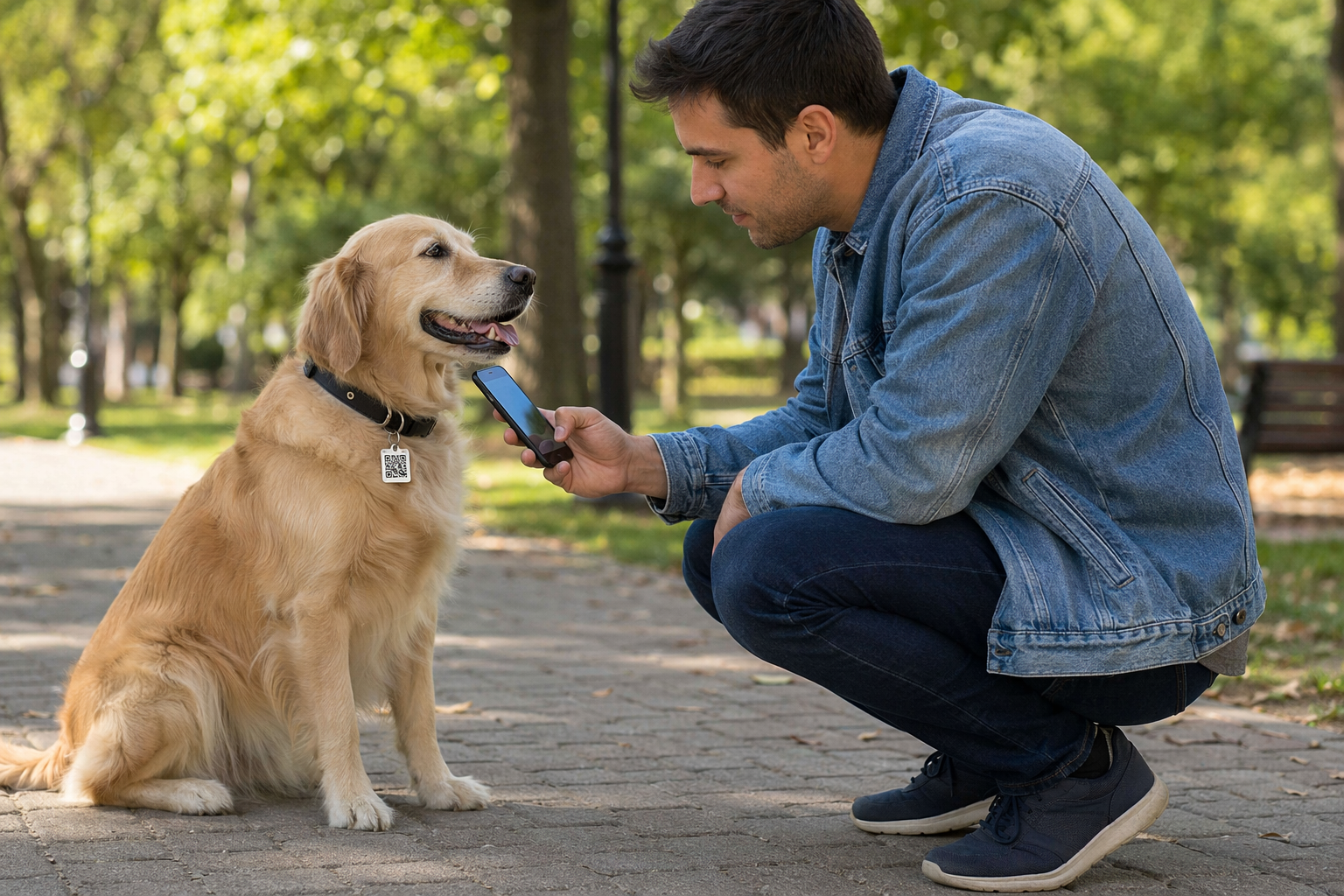
You've found a dog wearing a tag with a QR code. Good news: the owner set this up specifically so that someone like you can reach them instantly. No app required, no phone number to call. Here's exactly what to do.
Step 1: Keep the dog calm and safe
- Don't chase or crowd the dog. Crouch down, stay still, and let the dog approach you. A stressed dog can bolt into traffic.
- If the dog seems injured, don't move it unnecessarily. Call your local animal emergency vet or non-emergency police line.
- Secure the dog with a lead, in your garden, or indoors — somewhere safe while you contact the owner.
Step 2: Scan the QR code
- Open your phone camera (no app needed — works on iPhone and Android).
- Point it at the QR code on the tag. A link will appear — tap it.
- You'll see the owner's contact page. It shows the pet's name, photo, and options to message the owner or share your location. Your contact details stay private too.
- If the tag shows a red "Lost" banner, the owner has already activated Lost Mode and is actively searching.
Step 3: Contact the owner
On the tag page, you'll see a "Message owner" button. Tap it and send a short message — your rough location is enough. The owner gets an instant notification.
You can also tap "Share my location" to send a live pin directly to the owner. This is the fastest way to a reunion, especially if you're in a park or unfamiliar street.
Step 4: While you wait
- Give the dog water if it looks hot or has been running.
- Don't feed the dog human food — you don't know its allergies or diet.
- Don't take the dog far from where you found it. If the owner is searching nearby, staying put is more helpful.
- Keep other pets away if you have them — the found dog is already stressed.
What if the QR code doesn't scan?
Check the tag for a backup URL printed underneath the QR code — type it into your browser. If there's a phone number on the collar, call it. If you can't reach the owner, bring the dog to the nearest vet — they can scan for a microchip and hold the dog safely while making contact.
What if no owner responds after a few hours?
- Take the dog to a local vet to check for a microchip.
- Post in local Facebook lost-pet groups and Nextdoor with a photo.
- Contact your local council or animal shelter — they may have a record of the dog or the owner may have already reported it missing.
You just became someone's hero
Seriously — the moment you scanned that tag, you did something that used to require police reports and weeks of waiting. QR tags on collars are the single most reliable bridge between a lost pet and its owner. If you have a pet of your own, make them a free Tagback tag now. Takes 60 seconds.
FAQ
Do I need to download an app to scan the tag?+
No. Just open your phone camera and point it at the QR code. It works on any iPhone or Android phone made in the last 7 years.
Will the owner see my phone number when I message them?+
No. Messages go through the Tagback relay system. Your number and the owner's number are never shared with each other — unless you both choose to share them.
The dog looks sick or injured. Should I still wait for the owner?+
Take the dog to the nearest vet immediately. Most vets will treat a found injured dog and contact the owner from the tag information or microchip. The owner's safety message takes priority — the vet's address is often on the contact page.
I can't keep the dog overnight. What do I do?+
Contact your local animal shelter and explain you found the dog. They'll hold it and check for a microchip. Leave the shelter's address in a reply message to the owner via the tag page so they know exactly where to go.
Start protecting what matters
Tagback is free, forever. No subscription. No app needed for finders.
Create your free tag