
Airport Lost and Found: Who to Contact Based on Where You Lost It
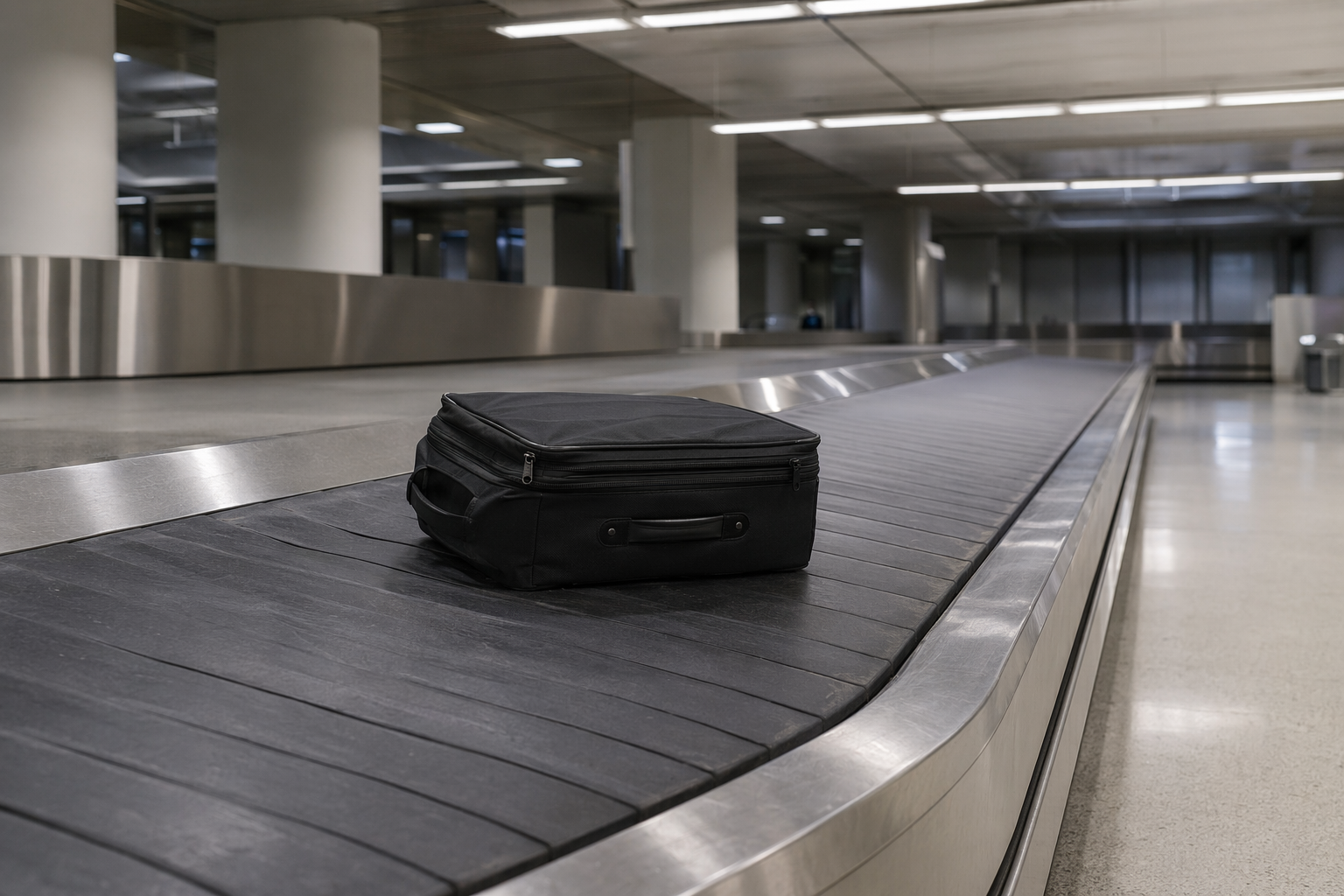
You left something at the airport. Maybe it was your phone, your jacket, a pair of headphones, or your laptop. You call the airport — and nothing turns up. What most travelers don't realize is that airports don't run a single lost-and-found system. They run three completely separate ones, and whichever one you contact first is probably the wrong one. This guide cuts through the confusion and tells you exactly who to call based on where you lost your item.
The 3 Separate Airport Lost-and-Found Systems
Every major US airport operates at least three distinct lost property systems, each run by a different organization with its own staff, database, and processes. Items are not shared between these systems. A wallet handed in at a terminal coffee shop will never appear in a TSA search, and vice versa.
- TSA Lost & Found — Covers the security checkpoint area only. Operated by the Transportation Security Administration, a federal agency. Items found at the checkpoint or in the screening lanes are logged in TSA's own system.
- Airline Lost & Found — Covers the gate, jetbridge, and aircraft cabin. Each airline runs its own lost property operation at each airport it serves. A bag left on a United flight goes to United's team, not to the airport.
- Airport Authority Lost & Found — Covers everything else in the terminal: shops, lounges, food courts, bathrooms, curbside, and the taxi/rideshare pick-up area. Operated by the airport itself (e.g., LAX, JFK, O'Hare).
Because these systems don't communicate with each other, an honest finder who hands something in at a checkpoint will send it to TSA, not to the airport office where you filed your report. The first step in any airport lost item situation is pinpointing exactly where you last had the item.
Lost at the Security Checkpoint — Contact TSA
If you left something in a TSA screening bin, on the X-ray belt, or anywhere within the security checkpoint lanes, the TSA is your first and only call. TSA operates a centralized online lost property portal: mytsa.tsa.dhs.gov. You can submit a claim there describing your item, the airport, the checkpoint, and the approximate time you passed through.
- TSA holds unclaimed items for approximately 90 days before they are disposed of.
- TSA does not keep perishables, food, liquids, or items prohibited from air travel.
- Filing online at mytsa.tsa.dhs.gov is the recommended method — calling individual checkpoints is rarely effective.
- Include as much detail as possible: brand, color, model number, and any identifying marks.
- Check back on your claim status — TSA may update it if the item is located.
Common items recovered through TSA lost and found include laptops, tablets, belts, shoes, jewelry, and small electronics left in the bin during screening. If you cleared security and then realized something was missing, turn around immediately — checkpoint staff can often locate an item before it enters the logging queue.
Lost on the Plane or at the Gate — Contact the Airline
Left your jacket in the overhead bin? Dropped your phone in the seatback pocket? Anything found on the aircraft or in the jetbridge goes directly to the airline's lost property team at that airport — not to the airport authority, not to TSA. Each airline manages this independently.
- American Airlines: Report via aa.com or call the Baggage Service Office at your departure or arrival airport.
- Delta: File a claim at delta.com/baggage/delayed-baggage — they use the same workflow for lost cabin items.
- United: Contact United's baggage resolution center online or at the airport baggage office.
- Southwest: Items found on Southwest aircraft are held at the station where the flight ended. Call the baggage office at that airport.
- All carriers: Act fast — cleaning crews go through the aircraft within an hour of landing, and items that go unclaimed are logged and stored in the airline's system, often for 30–60 days.
If you lost something at the gate itself (on a bench, at the boarding podium, or in the jetbridge), the gate agent may have it — but after the flight departs, it typically transfers to the airline's baggage or lost property office. Don't call the general airline number; contact the specific airport's station operations or baggage office for faster results.
Lost in the Terminal — Contact the Airport Authority
For everything that happens outside the checkpoint and outside the aircraft — the departures hall, arrivals, restrooms, restaurants, duty-free, lounges, curbside, or the baggage claim area — the airport's own lost-and-found office is the right contact. Here are the lost item reporting pages for major US airports:
- LAX (Los Angeles): lawa.org — submit via the online lost and found form under Traveler Services.
- JFK (New York): jfkairport.com — lost property is managed by the Port Authority of New York and New Jersey; file online or call the central operations number.
- ORD (Chicago O'Hare): flychicago.com — the Chicago Department of Aviation operates a lost-and-found office in each terminal.
- ATL (Atlanta Hartsfield-Jackson): atl.com — file a report online via their lost and found portal.
- DFW (Dallas/Fort Worth): dfwairport.com — airport police handle lost property; submit a report through their website.
- MIA (Miami): miami-airport.com — lost and found is operated through the Miami-Dade Aviation Department.
- SEA (Seattle-Tacoma): portseattle.org — the Port of Seattle operates the lost-and-found office, reachable online and by phone.
Most airport authority lost-and-found offices hold items for 30 to 90 days. After that, unclaimed valuables may be donated, auctioned, or destroyed depending on local policy. Filing a report online creates a timestamped record that staff can match against incoming items — always file even if you're not confident the item was turned in.
Lost in the Taxi or Rideshare — This Is Separate From Airport Lost and Found
If you left something in a vehicle that picked you up or dropped you off at the airport, the airport authority cannot help you — the item is with the driver or their company.
- Uber: Open the Uber app, go to your trip history, select the relevant trip, and tap 'I lost an item.' Uber connects you with the driver directly via a masked call.
- Lyft: Report a lost item through the Lyft app under your ride history. Lyft charges a small fee if the driver has to return to deliver the item.
- Taxis: Contact the specific taxi company listed on your receipt. If you don't know the company, the airport's ground transportation office may be able to identify which licensed cab picked you up based on your pickup time and location.
- City taxi authority: Many cities have a taxi lost-and-found database. In New York, the NYC Taxi and Limousine Commission maintains one at nyc.gov/tlc.
Timing Matters — What to Do in the First 24 Hours
The single biggest factor in recovering a lost airport item is how quickly you act. Here's why the first 24 hours are critical:
- Items at TSA checkpoints are processed within hours — the sooner you file, the easier it is for staff to trace the item back to your screening time.
- Aircraft are cleaned and turned around quickly. An item in a seatback pocket may be found within an hour of landing; if not claimed, it enters a queue that takes longer to search.
- Terminal lost-and-found offices receive high volumes. Items turned in on the same day are easiest to match because the date narrows the search window.
- Honest finders often turn items in right away. If your item was turned in the same day, an early report means staff can match it immediately rather than log it as unmatched.
As a general rule: TSA holds items for up to 90 days, airport authority offices hold items for 30–90 days depending on the airport and the item's value, and airlines typically hold cabin items for 30–60 days. After those windows close, unclaimed items at TSA and government-operated airport offices often go to official government surplus or public auction sites.
Put a QR Tag on Your Items Before You Fly
The most reliable way to get a lost item back at an airport isn't navigating the lost-and-found system — it's making sure the person who finds it can contact you directly. A Tagback QR sticker on your bag, laptop, jacket, or carry-on means that anyone who picks it up can scan the tag and reach you immediately, without needing to find a lost-and-found office, fill out a form, or wait days for a match.
Many honest finders at airports — fellow travelers, gate agents, cleaning staff — want to return what they find but don't know how. A QR tag gives them a direct path to you. No personal information is exposed: the tag links to a secure contact page, not your email or phone number. The finder leaves a message, you get notified, and you arrange pickup or shipping.
- Stick a Tagback tag on every bag, laptop case, and jacket you travel with.
- Works even if you've already boarded — a finder can scan and message you, and you'll see it when you land.
- No app required for the finder. Any smartphone camera works.
- Your contact details remain private. The finder only sees a message form.
FAQ
Who do I contact if I lost something at airport security?+
Contact the TSA directly. TSA operates its own lost property system separate from the airport authority and airlines. File a claim online at mytsa.tsa.dhs.gov and include the airport name, checkpoint location, date and time of your screening, and a detailed description of the item. TSA holds unclaimed items for approximately 90 days.
How long do airports keep lost items?+
It depends on which system holds the item. TSA retains items for up to 90 days before disposing of them. Airport authority lost-and-found offices typically hold items for 30 to 90 days depending on the airport and the item's value or category. Airlines generally hold items found in the cabin for 30 to 60 days. Always file a report as soon as possible to maximize your chances within these windows.
What does TSA do with unclaimed items?+
After approximately 90 days, unclaimed items held by TSA are turned over to the state where the airport is located, which typically sells them through official government surplus or public auction channels. Some states donate lower-value items to charity. TSA does not keep perishables, food, liquids, or prohibited items — those are discarded immediately.
I lost my laptop at the airport gate — who do I call?+
If you lost your laptop at the gate or in the jetbridge, contact the airline that operated your flight — not the airport authority. Gate areas are the airline's responsibility, and items found there are transferred to the airline's baggage or lost property office at that airport. Call or go to the airline's baggage office in the terminal and file a report as quickly as possible, ideally on the same day.
Start protecting what matters
Tagback is free, forever. No subscription. No app needed for finders.
Create your free tag