
Found Someone's Phone? Here's the Right Way to Return It
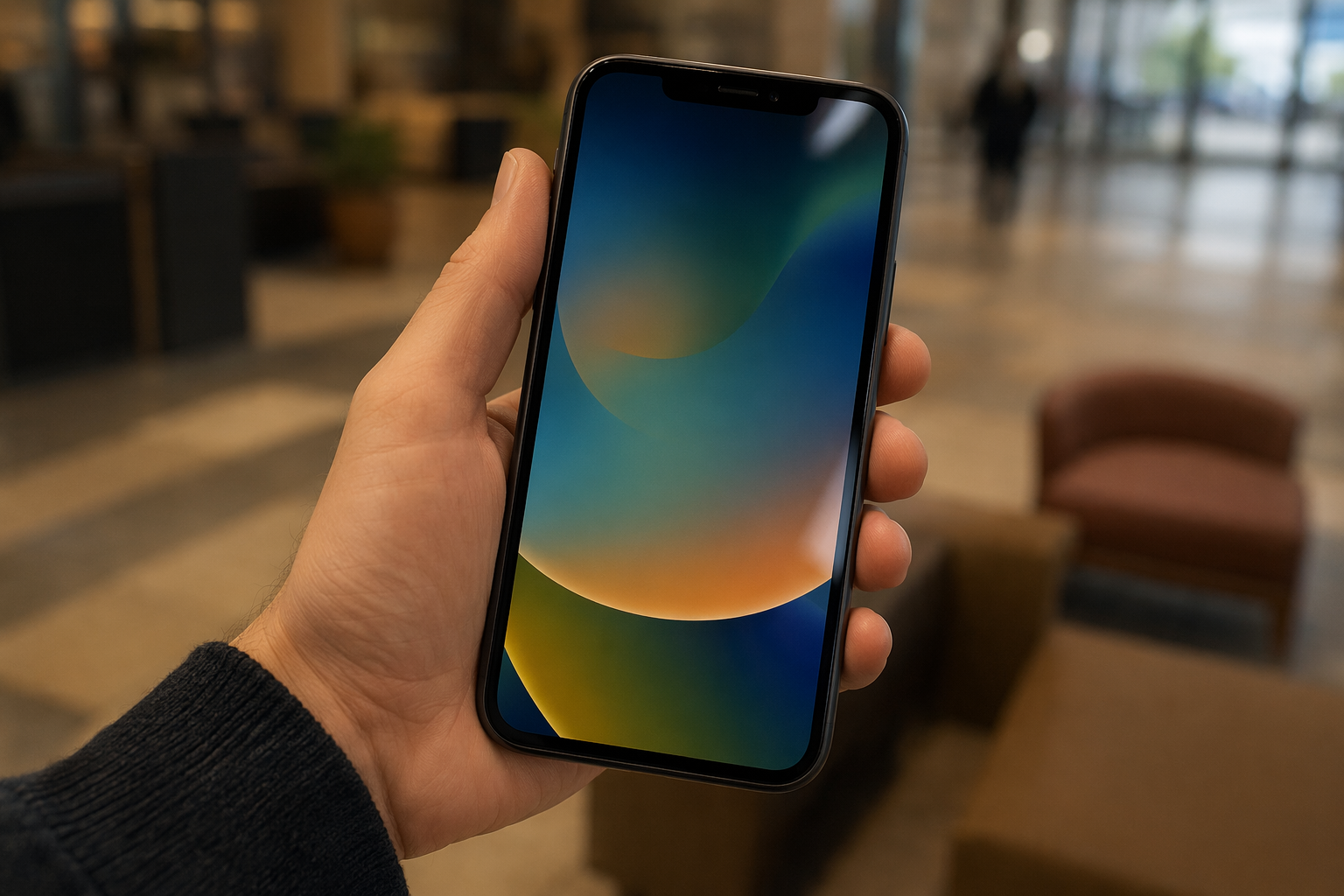
You found a phone. Someone out there is either panicking or hasn't noticed yet. You want to return it — but it's locked, you don't know whose it is, and you're not sure what the right move is. Here's the straightforward path, in order.
First: secure the phone and don't let it die
Before anything else, keep the phone charged. If you're near a power source, plug it in. A dead phone is a dead lead — once it powers off you lose access to the lock screen info, incoming calls, and texts that could connect you to the owner.
Don't hand it off to a stranger, leave it unattended, or assume someone else will deal with it. You're already the responsible party the moment you picked it up.
iPhone: check Medical ID and lock screen emergency contact
iPhones have a built-in feature specifically designed for this situation. On the lock screen, tap Emergency in the bottom-left corner, then tap Medical ID. If the owner set this up, you'll see their name, emergency contact name, and phone number — all without unlocking the phone.
- Medical ID visible: Call the emergency contact listed. Tell them where you are and that you have the phone. They'll handle it from there.
- Lock screen message visible: Some iPhone owners set a custom lock screen message with a contact number (via Lost Mode or a manual wallpaper). Look carefully at the lock screen before assuming there's nothing there.
- Neither visible: Move to the carrier or police step below.
Android: Emergency SOS features and lock screen contact
Android doesn't have a single universal path — it varies by brand and Android version — but the most common options are:
- Lock screen emergency contact: Many Android phones (especially Samsung, Pixel) allow the owner to set an emergency contact visible without unlocking. Look for a small "Emergency" link at the bottom of the lock screen.
- Emergency information: On Pixel phones running Android 8+, tap Emergency on the lock screen, then tap View emergency info. Owner contact details appear if configured.
- Samsung: Emergency mode in Settings → Safety & Emergency → Emergency contacts — some models surface this on the lock screen.
- If you see nothing, don't rule out a lock screen message or QR sticker on the back of the case — scan it with your camera.
If the phone is locked with no visible info: carrier, police, lost-and-found
If the lock screen gives you nothing, you still have good options. Don't try to unlock it yourself — that's a dead end and potentially illegal.
- Answer it if it rings. If someone calls while you have the phone, pick up and say "I found this phone — where are you?" This is often the fastest resolution.
- Reply if someone texts it. If a text comes in, a brief reply — "I found this phone, here's my number to arrange return" — is completely reasonable and often how phones get back fastest.
- Take it to any carrier store. You don't need to know the carrier. Walk into any phone carrier store and explain you found it. They can look up the account associated with the SIM and contact the owner directly. This is a standard request they handle regularly.
- Take it to the police. File a "found property" report. Owners often file "lost property" reports and the two get matched. The police also have legal authority to hold and reunite the device.
- Lost-and-found at the venue. If you found it in a café, transit station, hotel, or similar place, hand it in there. Staff handle found items routinely and the owner may return looking for it.
What NOT to do when you find someone's phone
Most honest finders don't do these things intentionally — but they're worth stating clearly.
- Don't go through photos, messages, or apps. The lock screen, Medical ID, and incoming texts are designed for exactly this scenario. Everything else is private. In some jurisdictions, accessing someone's device contents without authorization is a criminal offense — even with good intentions.
- Don't factory reset it. This destroys the owner's data and makes the device impossible to return to its rightful owner. It also looks exactly like theft preparation.
- Don't "keep it for a bit" to see if someone claims it. The longer you wait, the more the battery dies, the more the owner panics, and the harder the return becomes. Act today.
- Don't try to guess the passcode. After a few wrong attempts, iPhones disable themselves. This doesn't help anyone.
- Don't sell it or give it to a repair shop. Even "temporarily." Possession of someone's property with intent to benefit is theft by finding in most jurisdictions.
How to help people find YOUR phone if you ever lose it
Here's the uncomfortable truth: if you lost your phone right now, would an honest stranger be able to return it to you? For most people, the answer is no — because the phone is locked and shows nothing.
Two things fix this, and you should set up both:
- iPhone — set up Medical ID with an emergency contact. Open the Health app → tap your profile photo → Medical ID → edit → add an emergency contact → enable Show When Locked. Takes two minutes. Works when the phone is dead or in Lost Mode.
- Android — set a lock screen emergency contact. On most Android phones: Settings → Safety & Emergency → Emergency information. Add a contact. Some phones display this on the lock screen automatically.
- Add a lock screen message. On iPhone, use Lost Mode via iCloud to pre-set a "if found, call [number]" message. On Android, many launchers and lock screen apps support a custom message.
- Put a QR sticker on your phone case. This is the option that works even when the phone is dead, in airplane mode, or the battery is flat. An honest finder scans it with any phone camera — no app needed — and instantly sees your name and a way to reach you.
Tagback is a completely free service — no subscription, no paid tiers, no limit on tags — that lets you create a secure contact page linked to a QR code. The finder scans, you get notified, and you arrange return. It takes about 60 seconds to set up.
FAQ
Is it illegal to keep a phone I found?+
In most jurisdictions, yes — intentionally keeping property you find (especially when you could reasonably identify the owner) is theft by finding or a similar offense. Turning a found phone into the police, carrier, or a lost-and-found office is the legally and ethically correct action.
The found phone is locked and shows no emergency contact. What now?+
Keep it charged and take it to any carrier store — they can identify the account associated with the SIM card and contact the owner. Alternatively, take it to the police; they have procedures for found phones. Do not try to unlock it yourself.
Can I look through a found phone to find the owner?+
There's a narrow ethical line here. Checking the lock screen, replying to an incoming text as the finder, or using the Medical ID emergency feature is reasonable. Going through photos, messages, or apps crosses into privacy invasion — and in some jurisdictions, it's illegal. Stick to features designed for exactly this scenario.
Someone texted the phone I found and I replied to tell them I have it — is that okay?+
Yes, this is one of the best ways to find the owner quickly. If someone texts a lost phone, replying to say "I found this phone, here's how to reach me" is a common-sense action that most people appreciate. Keep the message brief and don't ask for personal information — just offer to arrange a handover.
Start protecting what matters
Tagback is free, forever. No subscription. No app needed for finders.
Create your free tag