
Lost Your Gym Bag? Here's How to Get It Back Fast
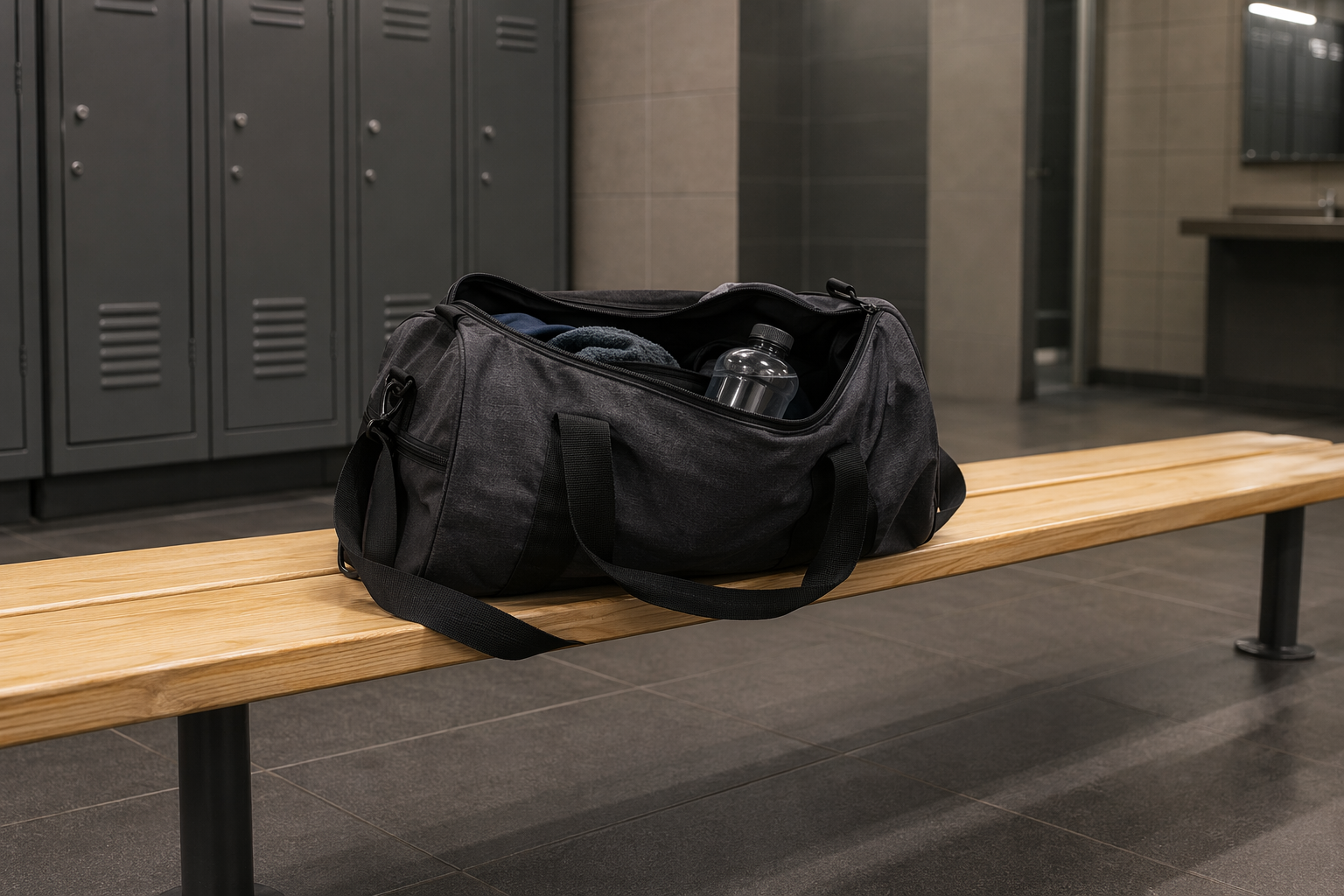
Gym bags go missing constantly — and they're almost never returned. Not because people aren't honest, but because a duffel bag stuffed with sweaty kit is completely anonymous. The staff member holding it has no idea who it belongs to, and there's no way to find out. Here's what to do right now to get yours back, and what to put on it so this never happens again.
Do This First (Within the Day)
Speed is everything here. The same-day window is your best shot — once a bag has been sitting in a lost-and-found bin for 48 hours, the odds drop sharply.
- Call the gym's front desk — ask specifically whether a bag matching your description was handed in. Be precise: colour, brand, any distinguishing marks. "A black gym bag" won't cut it.
- Go in person if possible — staff can walk you to the actual lost-and-found pile. Bags often sit in a cupboard or staff room, not any formal system. Seeing it yourself is faster than a phone description.
- Check any lockers you might have used — some gyms run electronic lockers that reset automatically overnight. Your bag may still be in there if you forgot to clear it out.
- Check the specific area where you last had it — locker room, weights floor, studio, spin room, car park. A bag left under a bench or against a wall is easy to miss on a quick scan.
How Long Gyms Keep Unclaimed Bags
Don't assume you have weeks. The reality is much tighter:
- Most gyms: 7–14 days for clothing and bags, then donated or thrown away. Some do it faster.
- High-end gyms often log found items and may email members if the bag has something identifiable in it — a name on a card, a membership pass.
- Budget and 24-hour gyms rarely log anything. It's first-come, first-served at the lost-and-found bin. Staff turnover means institutional memory is low.
- Act same day if at all possible. Every hour that passes reduces your chances.
What to Do If the Bag Isn't at the Gym
Before you write it off, run through these quickly:
- Check nearby stops — the café, the car park, the changing rooms of a different location if you visit more than one branch.
- Post in the gym's member Facebook group or community app — a fellow member may have seen it, or the gym may have a community board where staff post found items.
- If it contained valuables (phone, wallet, medication): report to police for an incident number. You'll need this for any insurance claim, and it creates a record if the bag surfaces later.
What Was in Your Bag — Replacement Priorities
While you're searching, start working through the contents in order of urgency:
- Phone: Open Find My (iPhone) or Google Find My Device immediately — while you're still close to the gym, you may still be in range.
- Headphones: Open the relevant tracking app (Samsung SmartThings, Sony Headphones Connect, Tile) to get a last-known location before the battery dies.
- Medication: Contact your GP or pharmacy for an emergency supply. Explain what happened — they can usually provide a short-term supply quickly. If it's a controlled substance, you may need a police report.
- Bank cards: Call your bank now to freeze the cards and request replacements. Don't wait to see if the bag turns up.
- Gym lock / padlock: If your padlock is missing with your keys still in the bag, replace the lock before your next session — someone has the combination or key.
Why Gym Bags Are So Hard to Return (The ID Problem)
Here's the honest reason your bag probably won't be returned without your help: a gym staff member holding an unclaimed bag has absolutely no way to identify the owner. They can't open it and search through your belongings. They don't have your member photo next to a bag description. The bag is just a bag.
Writing your name inside the bag is better than nothing — but staff rarely open bags systematically to check. A Tagback QR sticker on the outside changes the equation entirely. Any staff member or fellow gym-goer who spots the bag just scans the sticker — no app required — and immediately sees a way to message you directly. You get notified, you collect your bag, done. Takes two minutes to set up and works for every bag, every gym, forever.
The Gym Bag Checklist (What to Keep on You vs. in the Bag)
The best time to think about this is before you lose the bag, not after. Here's the rule of thumb:
- Always on your person: phone, wallet, keys, bank cards. If losing these would ruin your day, they come out of the bag.
- Fine to leave in the bag: gym clothes, toiletries, water bottle, headphones, snacks, a padlock.
- Never leave in an unattended bag: passport, medication you'll need urgently, large amounts of cash, anything irreplaceable.
The gym bag ends up in a locker, on a bench, or left by a machine. That's an unattended bag in a semi-public space. Treat it accordingly.
FAQ
How long will a gym keep a lost bag?+
Most gyms hold unclaimed items for 7–14 days before donating or disposing of them. Chain gyms vary by location, and budget or 24-hour gyms often have no formal system at all. Call the same day if possible — the faster you act, the better your chances.
What if someone stole my gym bag?+
If you believe the bag was stolen rather than misplaced, report it to gym management and ask whether CCTV coverage of the area can be reviewed. File a police report for any high-value items — you'll need the report number for insurance claims.
My gym bag had medication in it — what should I do?+
Contact your GP or pharmacy immediately for an emergency supply. Explain what happened — they can usually provide a short-term supply without a new prescription. If the medication is a controlled substance, a police report may be required before they can issue a replacement.
Is it worth putting a tracker like AirTag in my gym bag?+
It's effective for tracking a bag in real time if someone has moved it. But for the common scenario — staff found it and want to return it — a QR sticker is simpler. The finder doesn't need an iPhone, a subscription, or any app. They just scan, see your contact details, and reach out.
Start protecting what matters
Tagback is free, forever. No subscription. No app needed for finders.
Create your free tag