
What to Put on a Dog Tag — The Complete Guide
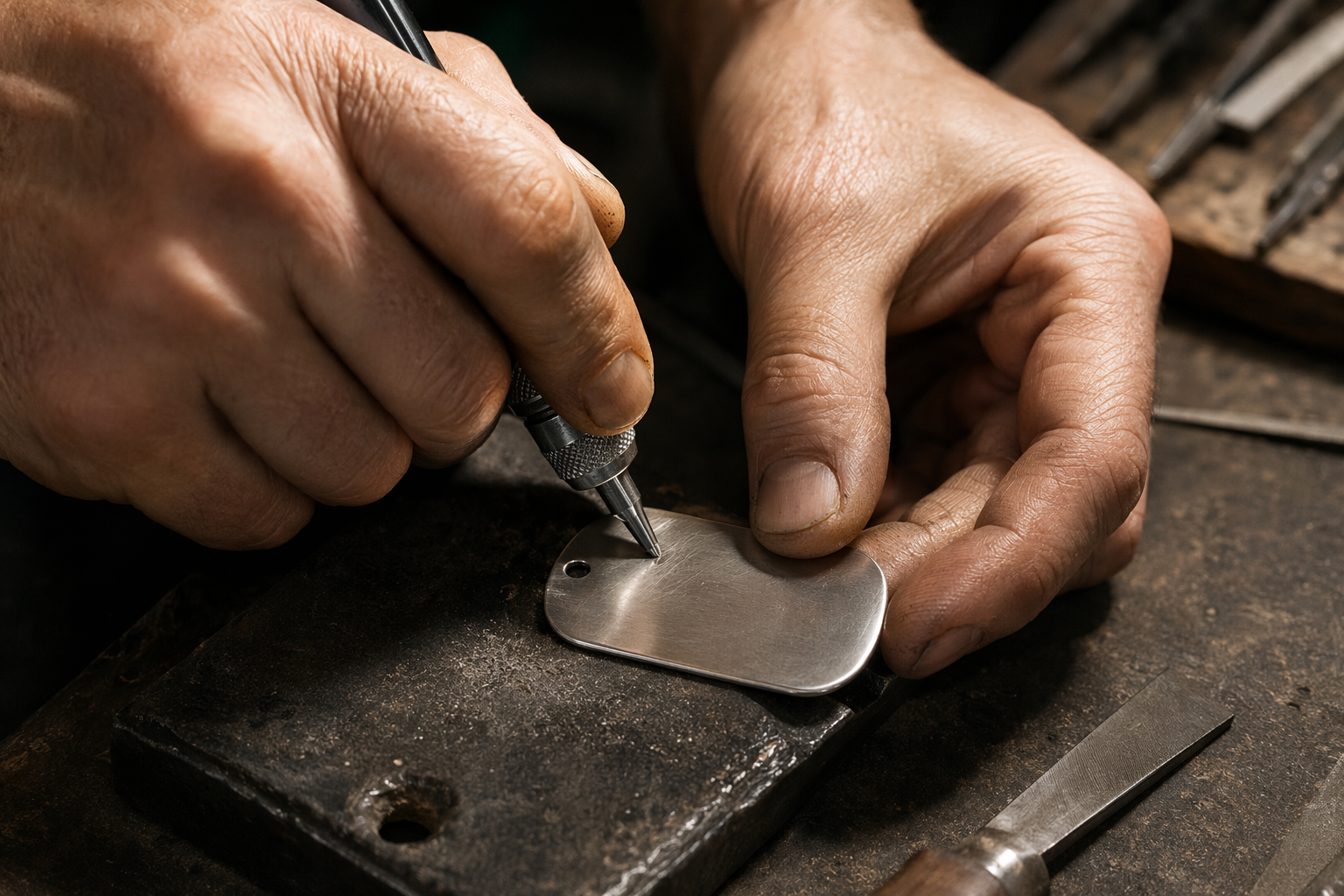
A 1.25-inch round tag has roughly four lines of text. That's not much room, but those four lines may be all a stranger has to go on when they find your dog on the side of a road at 10pm. What you choose to put on that disc — and what you leave off — is one of the most consequential small decisions a dog owner makes.
This guide covers what the non-negotiables are, what to add if you have space, what to leave off entirely, and why pairing an engraved tag with a QR tag is the setup that covers every failure mode.
What to always include on a dog tag (the non-negotiables)
Two things. Just two. If you can only fit two things on your dog's tag, these are the ones:
- Your dog's name. This serves a practical purpose beyond sentiment. A finder who knows the dog's name can call it, calm it, and make the animal less likely to bolt. It also creates an immediate emotional connection — "found Milo" is a very different experience to "found an unknown dog." A named dog gets taken home faster.
- Your primary phone number. The number you answer at any hour, including late at night. Not your work landline. Not the family home phone from 2008. The mobile in your pocket. A finder with your dog in their arms needs to reach you within minutes, not days.
These two alone — name and number — give a finder everything they need in roughly 90% of cases. The reunion happens in the same evening, usually within a few hours. Everything else on a tag is a bonus.
What to add if space allows
Once the name and primary number are on, you have one or two lines left on a standard tag. Here are the additions worth considering, in rough priority order:
- A secondary phone number — a partner, a parent, a trusted neighbour. If your phone is flat or you're in a meeting, the finder still has someone to reach. The second number dramatically improves the odds of a same-day reunion.
- "REWARD" — even without a dollar amount, the word increases finder motivation and follow-through. It signals that you care and that the person making the effort will not go unappreciated.
- A critical medical note — if your dog has a condition that a stranger genuinely needs to know about, it earns its place. Examples: "Diabetic — needs medication" or "Epileptic." Keep it short. Only include this if missing the information could genuinely harm the dog in the first few hours.
- "Microchipped" — this one word prompts a finder to take your dog to a vet or shelter for a scan. It also signals that the dog is registered and has an owner who cares, which makes the dog less likely to be kept or rehomed.
What NOT to put on a dog tag
What you leave off matters as much as what you include. Here are the four most common dog tag mistakes:
- Your home address. This is the most important one to get right. If your dog is lost, your house is likely empty. Engraving your full address is essentially advertising to anyone who reads the tag that your home is unoccupied — a particular risk for solo households. Your phone number is more useful to a finder anyway: it connects them to you, not to an empty building.
- Your email address. No one finds a dog, sits down at a laptop, and types an email. The person holding your dog has their phone in their hand. Give them something they can use while standing on a footpath with a wriggling Labrador. Email is not that thing.
- Too many words. A tag that requires squinting to read, or that has to be rotated three times to find the important line, is a tag that loses critical seconds. At arm's length, in motion, in low light — readability drops fast. Every extra line competes with the essential ones.
- Cute phrases or sentimental text. "Loved by the Johnson family" or "If found, I'm not lost, just exploring" are charming in theory. In practice they consume a line that could hold a phone number. Sentiment belongs on social media. The tag is functional infrastructure.
The space problem — what an engraved tag simply cannot hold
Even a perfectly chosen tag runs out of room fast. On a standard 1.25-inch disc, four lines is generous. That gives you:
- Line 1: Dog's name
- Line 2: Primary phone number
- Line 3: Secondary phone number
- Line 4: One short note ("Microchipped" or "Reward" or a medical flag)
That's it. No photo, so the finder isn't certain they have the right dog. No medical history beyond a single word. No vet contact. No microchip number. No location of where the dog was last seen — useful if it gets reposted on a lost-pet board. No backup contacts beyond one.
And the deeper problem: life changes. Phone numbers get replaced. You move. You change vets. Your dog develops a new condition. An engraved tag is permanent — it captures a snapshot of your information at the moment it was made and then freezes it there indefinitely. The tag on your dog's collar right now: when was it made? Is that phone number still active?
What a QR tag lets you add
A QR tag solves the space problem entirely. The physical tag is small — typically a disc or rectangle with a single scannable code. The information it carries is unlimited, because it links to a profile page rather than engraving text directly onto metal. Any finder with a phone camera can access everything in under three seconds.
A complete Tagback QR pet profile can include:
- Full medical history: allergies, ongoing medications, conditions, dietary needs. A finder who knows your dog is allergic to certain foods, or needs twice-daily medication, can take the right steps immediately.
- Multiple emergency contacts: not just a second number, but a third, a fourth — whoever is most likely to be reachable on any given day.
- A current photo — so the finder is certain they have the right dog, and so that the photo can be shared when posting "dog found" on local groups.
- Microchip number and vet's contact details — everything a vet or shelter needs is on one page.
- Lost Mode — when you activate it, anyone who scans your dog's tag sees a red banner with your message and contact details at the top of the page. Finders know immediately that this dog is actively being searched for.
- All of this is instantly updateable — phone number changed? New address? New vet? Update the profile online in under a minute. The physical tag never needs to be replaced.
Side-by-side: engraved tag vs QR tag
| Feature | Engraved tag | QR tag |
|---|---|---|
| Name and phone number | Yes | Yes |
| Current photo | No | Yes |
| Full medical history | No | Yes |
| Multiple emergency contacts | No (1–2 max) | Yes (unlimited) |
| Microchip number and vet contact | No | Yes |
| Updateable without replacing the tag | No | Yes |
| Works without phone signal (offline) | Yes | No |
| Lost Mode alert | No | Yes |
| Cost | Low (one-time) | Free |
The recommendation: use both
This is not an either/or decision. Engraved tags and QR tags have different failure modes, and together they cover each other completely.
- Engraved tag: dog's name + primary phone number. Always on, always readable, requires no phone, no signal, no battery. A five-year-old can read it. An elderly neighbour who has never heard of QR codes can read it. It is zero-friction identification that works in every scenario where the tag is visible.
- QR tag: everything else. The full medical picture, the backup contacts, the photo, the lost mode, the updateable contact info. It handles everything that the 1.25-inch disc can't — and it updates when your life does.
The engraved tag handles the fast reunions — the neighbour who finds your dog at the end of the street calls you and brings him back in 20 minutes. The QR tag handles the harder cases: the dog who ends up two towns over, the dog with a medical condition whose finder needs to know what to feed her, the dog found by someone who doesn't speak your language.
The best dog tag setup isn't either/or — it's both. Keep the engraved tag simple: name and number. Let the QR tag carry everything else. They're designed to complement each other, and together they leave almost no scenario uncovered.
For the full case on why combining approaches beats either alone, see Engraved dog tag vs QR code tag. For how tags work alongside microchips, see Microchip vs QR collar tag — why you need both.
FAQ
Should I put my address on my dog's tag?+
Most experts recommend against it. Your address tells a stranger your home may be empty if the dog is lost — a risk for solo households in particular. Put your phone number instead. It is more useful to a finder and doesn't expose where you live.
What if my phone number changes — do I need a new tag?+
With an engraved tag, yes. With a QR tag like Tagback, no — you update the profile online and the physical tag stays the same. This is one of the main practical advantages of QR tags: your contact information stays current without ever reordering.
Does a dog tag replace a microchip?+
No, they do different things. A microchip requires a scanner — found at vets and shelters — and only works if the chip is registered with your current contact information. A tag works immediately, in any driveway, with any smartphone. The right approach is to use both: the tag handles the fast reunion with any honest stranger; the chip is the fallback if the collar comes off.
How small can a dog tag be before it becomes unreadable?+
A 1-inch tag is the practical minimum for engraved text. Anything smaller is essentially decorative — the lettering becomes too fine to read at arm's length with a moving dog. For very small dogs, a QR tag is often the better primary option: the QR code itself can be as small as 2cm × 2cm and still scan reliably, even on a small collar.
Start protecting what matters
Tagback is free, forever. No subscription. No app needed for finders.
Create your free tag