
¿Perdiste tus Auriculares Inalámbricos? Una Guía Práctica por Marca
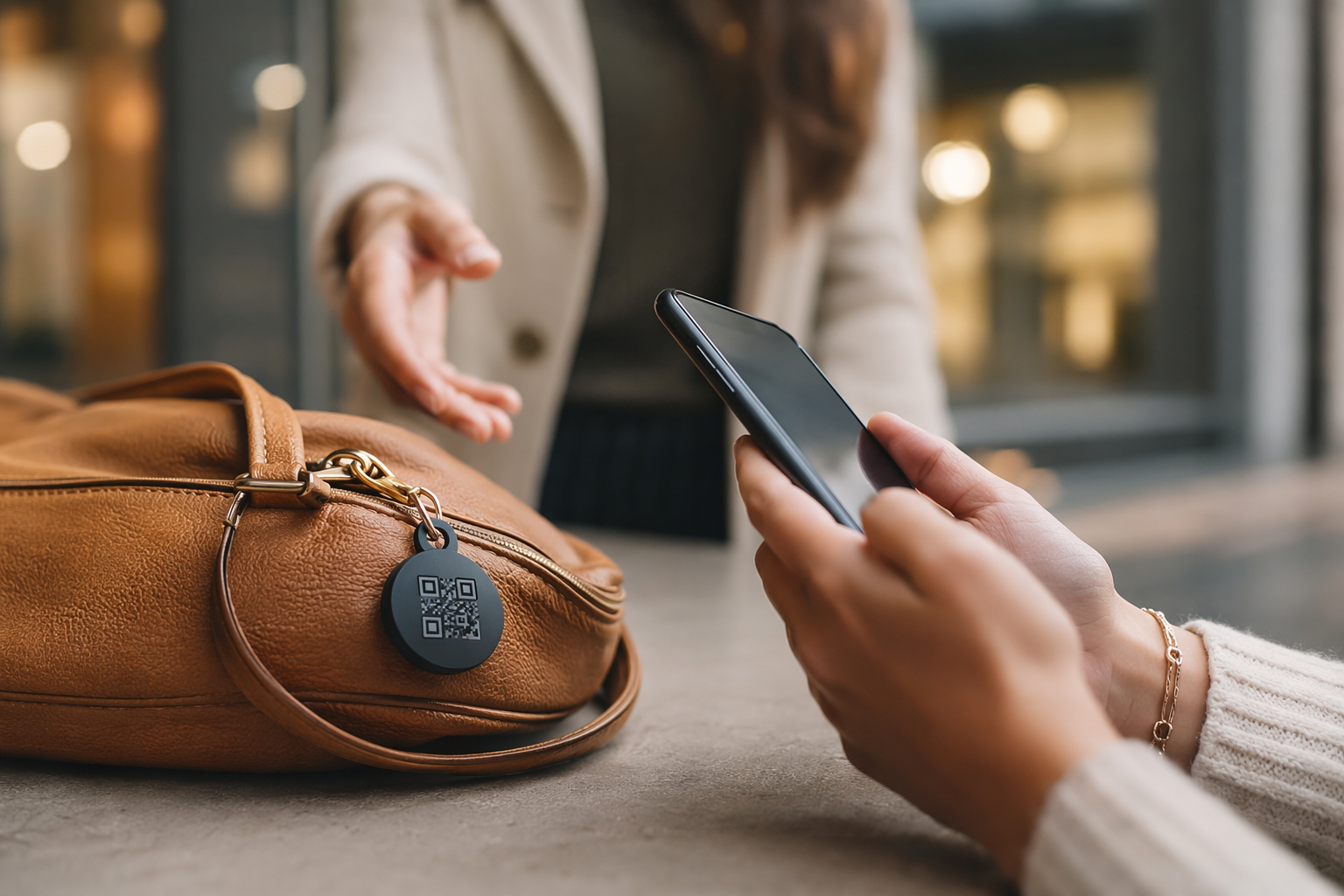
Los auriculares inalámbricos son costosos — a menudo entre $150 y $400 — y son extremadamente fáciles de extraviar. A diferencia de una cartera o teléfono, la mayoría de los modelos no tienen rastreo incorporado. Los dejas en algún lugar, olvidas dónde, y a la mañana siguiente simplemente desaparecieron. Esta guía cubre lo que realmente funciona, marca por marca, y qué hacer cuando la tecnología llega a su límite.
Samsung Galaxy Buds — SmartThings Find My Earbuds
Los Samsung Galaxy Buds tienen la mejor función de rastreo de cualquier auricular inalámbrico que no sea de Apple. La app SmartThings incluye una función Find My Earbuds que reproduce un fuerte sonido de pitido a través de los auriculares — útil cuando están cerca pero fuera de tu vista. Los modelos más nuevos de Galaxy Buds (Galaxy Buds2 Pro, Buds3 Pro y posteriores) también participan en la red Galaxy SmartTag, lo que significa que otros teléfonos Samsung pueden reportar anónimamente la ubicación de tus auriculares incluso cuando están desconectados y fuera de tu rango de Bluetooth.
- Open the SmartThings app on your Samsung phone and tap the Devices tab.
- Select your Galaxy Buds from the device list. If they don't appear, make sure they were previously connected to this phone.
- Tap Find My Earbuds. You'll see options to make the left earbud, right earbud, or both ring simultaneously. The sound plays at maximum volume.
- Check last location. If the earbuds are offline, the app shows a map with the last known location — tap it to get directions.
- Galaxy Find network (offline). If your Buds support SmartTag-style location, you may see an updated location even when out of Bluetooth range, reported anonymously by another Samsung device that passed nearby.
Una advertencia importante: Find My Earbuds solo reproduce sonido mientras los auriculares están fuera del estuche y tienen batería restante. Si están en un estuche cerrado, no se reproduce ningún sonido. Intenta activar el sonido de todos modos — un estuche delgado todavía puede dejar pasar algo de audio, y funcionará en el momento en que alguien abra la tapa.
Auriculares Sony WF / WH — Sin Función Oficial de Búsqueda
Sony no ofrece una función dedicada de búsqueda para sus auriculares o audífonos — esto incluye los WF-1000XM5, WH-1000XM5, WF-C700N y toda la gama WH y WF. No hay función de reproducción de sonido ni red de rastreo. Lo que sí tienes es la app Sony Headphones Connect, que registra la última conexión Bluetooth.
- Check Sony Headphones Connect. The app does not show a map, but it tells you the last device your headphones were paired to and roughly when. Cross-reference this with your phone's location history (Google Maps Timeline on Android, or Significant Locations in iPhone Settings → Privacy) to pinpoint where you were at that time.
- Check your phone's Bluetooth log. On Android, Settings → Connected Devices → Bluetooth → your headphones' connection history gives you the last paired time.
- Retrace your steps from that timestamp. Where were you when the connection dropped? That's your highest-probability search area.
- Lost WH headphones (over-ear). These are larger and more distinctive — ask venue staff with a physical description. They're rarely pocketed accidentally.
Los auriculares premium de Sony son una solicitud recurrente en los foros de usuarios para una función de búsqueda. A partir de 2026, Sony no ha agregado una a ningún modelo WF o WH. Si tienes auriculares Sony, la prevención es más importante que la recuperación — consulta la sección de QR más abajo.
Bose QuietComfort y Sport Earbuds — Verifica la Última Sincronización
Los auriculares y audífonos Bose — incluyendo los QuietComfort Ultra Earbuds, QuietComfort 45 y Sport Earbuds — no tienen función de búsqueda. La app Bose Connect y la más reciente app Bose Music no incluyen ninguna función de reproducción de sonido o ubicación.
- Use your phone's location history. Since Bose doesn't log location, your own phone's history is the only data source. Check Google Maps Timeline or iPhone Significant Locations for where you were when the Bluetooth connection last showed activity.
- Check the app's last sync time. The Bose Music app shows the last time your device synced. That timestamp narrows down when and roughly where you had them.
- Systematic physical search. Bose QuietComfort over-ear headphones are large enough to not fit in pockets — if they're missing, they're likely on a surface, under something, or left at a venue. Narrow locations are your friend.
- Contact venue lost and found. Bose headphones are visually distinctive and high-value. Staff are more likely to have set them aside safely.
Beats — Find My Funciona en Muchos Modelos
Beats es propiedad de Apple y varios modelos de Beats son compatibles con la red Find My de Apple — el mismo sistema usado por los AirPods. Si tus auriculares Beats son compatibles con Find My, abre la app Find My en tu iPhone, toca Dispositivos y busca tus Beats en la lista. Puedes ver su última ubicación conocida y activar un sonido de forma remota.
Los modelos que actualmente son compatibles con Find My incluyen:
- Beats Fit Pro — full Find My support, including sound and location.
- Beats Studio Buds+ — Find My supported.
- Beats Studio Pro — Find My supported.
- Powerbeats Pro (2nd gen, 2024) — Find My supported.
- Beats Flex, older Powerbeats Pro (1st gen), Beats Solo3, Studio3 — Find My is not supported on these older models.
Para confirmar si tu modelo específico de Beats es compatible con Find My: abre Ajustes → Bluetooth en tu iPhone, toca el ícono de información junto a tus Beats y verifica si aparece una opción de Find My. Si aparece, tu modelo es compatible. Si la opción está ausente, tu modelo depende de la misma estrategia de búsqueda manual que Sony y Bose.
Jabra, Anker y Otras Marcas — Sin Rastreo Incorporado
La mayoría de las otras marcas de auriculares inalámbricos — incluyendo Jabra (series Evolve, Elite, Engage), Anker (gama Soundcore), Skullcandy, JBL, Sennheiser y Audio-Technica — no ofrecen ninguna función de búsqueda o rastreo incorporada. Estás empezando desde cero cuando algo se pierde.
Dos enfoques prácticos adicionales funcionan para estas marcas:
- Tile tracker on the case. A Tile Mate or Tile Slim can be attached to a carrying case with an adhesive pad or slim pocket. When paired with the Tile app, it alerts you if you walk away without the case and lets you make it ring from your phone — as long as it's in Bluetooth range.
- Samsung SmartTag2 (for Android users). If you use a Samsung phone, a SmartTag2 inside or attached to the case taps into the Galaxy Find network — much wider range than standalone Bluetooth.
- QR sticker on the case (see below). The most universally applicable option that doesn't depend on Bluetooth range or network coverage.
- Bookmark your phone's location history. Get into the habit of checking your Google Maps Timeline or iPhone Significant Locations right after you lose something. The fresher the data, the more granular the location log.
Estrategia de Búsqueda Manual — Trabaja Estos en Orden
Cuando la tecnología de rastreo llega a su límite, una búsqueda física sistemática recupera más auriculares de lo que la mayoría de la gente espera. Trabaja estos lugares en orden en lugar de buscar al azar.
- Gym bag outer pockets and side compartments. Headphone cases fit perfectly in the smaller external pockets that get zipped shut and forgotten. Check every compartment.
- Charging spots. Did you plug in your phone at a desk, airport gate, café, or hotel room? Headphone cases are frequently left right next to where phones were charged.
- Coat pockets and jacket linings. Especially from the last few days — not just the coat you're wearing now. Check the coat you wore to the gym, the office, and anywhere you used them.
- Library, café, and co-working seats. On the desk surface, on the chair seat, on a windowsill, or in the seat pocket behind a laptop bag.
- Airplane seat pocket. One of the most common public-place losses. If you recently flew, call the airline — seat pockets are checked after every flight and found items are logged.
- Gym locker and locker room. Left on the bench, on top of a locker, or inside a locker that wasn't fully cleared.
- Car: under seats, door pockets, the gap between seat and console. Especially if you listen while driving or as a passenger.
Perdidos en un Lugar Público — Qué Hacer Inmediatamente
Si crees que tus auriculares se quedaron en un lugar específico, actuar rápidamente marca una diferencia significativa. Las primeras horas son críticas — los artículos encontrados por el personal a menudo se mantienen en el mostrador temporalmente antes de ser registrados formalmente, y tu seguimiento inmediato señala que hablas en serio.
- Call the venue first. Phone before going in person if you're not nearby. Give a clear description: brand, model name, colour, case colour and style, any stickers or distinguishing marks.
- Go in person if you can. In-person visits are taken more seriously. Ask to speak to whoever was working in the area — reception, gym floor staff, café counter, gate agents.
- Ask about cleaning staff. Items are often found by cleaners before management and may be held separately. Specifically ask if cleaning found anything.
- Leave your contact details. Name, phone number, and a photo if you have one. Follow up the next day and the day after — items surface as areas are fully cleaned.
- File an airline property irregularity report. For in-flight losses, file a report at the airline's lost and found desk before leaving the airport. Seat pocket items are usually collected and logged within hours of the flight landing.
Etiqueta QR en el Estuche — Lo Único que Funciona Cuando Todo lo Demás Falla
Cada sistema de rastreo descrito arriba tiene la misma debilidad fundamental: solo funciona si tú eres quien busca. El Bluetooth requiere proximidad. Los rastreadores de red requieren cobertura. Find My requiere que un dispositivo Apple pase cerca. Ninguno de ellos funciona cuando un desconocido recoge tu estuche de auriculares en la mesa de una cafetería, lo deja en objetos perdidos o lo lleva a una oficina de transporte.
Una etiqueta QR de Tagback en el exterior de tu estuche de auriculares resuelve este problema. Cuando alguien encuentra tu estuche, escanea el código QR con cualquier teléfono — sin app, sin cuenta, sin fricción. Ven una página de contacto y pueden enviarte un mensaje al instante. Tu teléfono vibra con la notificación. Esa es toda la interacción. No se expone información personal al que encuentra.
Los estuches de auriculares inalámbricos — Sony, Bose, Samsung, Jabra — son lisos, redondeados y aceptan limpiamente una etiqueta pequeña circular o rectangular. La etiqueta resiste la fricción de la bolsa y el manejo diario. Con un costo de reemplazo de $200 a $400, el cálculo de valor es simple.
Costo de Reemplazo vs. Esfuerzo — Cuándo Dejar de Buscar
Hay un punto en el que continuar buscando cuesta más en tiempo y estrés que un reemplazo. Aquí hay un marco práctico:
- Search seriously for 48 hours. Most recoveries happen in the first 48 hours — after that, the probability drops sharply unless someone actively contacts you.
- File with lost and found and check back once. Leave your details, follow up after 72 hours, then move on if nothing surfaces.
- Check refurbished and factory outlet options. Sony, Bose, Samsung, and Beats all sell certified refurbished headphones through their official outlets — typically 20–40% cheaper than retail. Quality is manufacturer-guaranteed.
- Consider the use-case before replacing like-for-like. If the lost headphones were premium noise-cancelling and you only used them for commuting, a mid-tier replacement at half the price may genuinely be the better choice.
- Buy a sticker before you buy new headphones. It costs a few pounds. Put it on whatever case you use next, before you need it.
Preguntas frecuentes
¿Cómo encuentro mis Samsung Galaxy Buds?+
Abre la app SmartThings en tu teléfono Samsung, toca Dispositivos, selecciona tus Galaxy Buds y toca Buscar mis auriculares. Esto reproduce un sonido fuerte en los auriculares que estén fuera del estuche y tengan batería. Los modelos más nuevos de Galaxy Buds también son compatibles con la red Galaxy Find, que puede mostrar la última ubicación conocida incluso cuando los auriculares están fuera del alcance de tu Bluetooth, usando datos de dispositivos Samsung cercanos.
¿Los auriculares Sony tienen función de búsqueda?+
No. Los auriculares Sony WF y WH — incluyendo los WF-1000XM5 y WH-1000XM5 — no tienen función integrada de búsqueda o reproducción de sonido hasta 2026. La app Sony Headphones Connect no incluye rastreo de ubicación. Tu mejor opción es revisar el historial de ubicaciones de tu teléfono (Línea de tiempo de Google Maps o Ubicaciones importantes del iPhone) para encontrar dónde estabas cuando se perdió la conexión Bluetooth por última vez, y luego buscar en esa área.
¿Puedo rastrear mis auriculares Bose?+
Bose no ofrece ninguna función de rastreo o búsqueda en su app para los auriculares QuietComfort o Sport. La app Bose Music muestra la última hora de sincronización, que puedes comparar con el historial de ubicaciones de tu teléfono para estimar dónde los tenías. Para recuperarlos en lugares públicos, contacta directamente con la oficina de objetos perdidos del lugar — los auriculares Bose son distintivos y de alto valor, por lo que el personal normalmente los guarda aparte.
¿Qué hago si perdí mis auriculares en el gimnasio?+
Ve a la recepción y pregunta directamente — describe la marca, modelo y color del estuche. También pregunta si el personal de limpieza encontró algo, ya que a menudo recogen artículos antes de que lleguen a objetos perdidos. Deja tus datos de contacto y haz seguimiento al día siguiente. Si el estuche de tus auriculares tiene un sticker QR (como Tagback), cualquiera que lo encuentre puede contactarte al instante sin necesidad de identificar la marca o buscar al dueño.
Start protecting what matters
Tagback is free, forever. No subscription. No app needed for finders.
Create your free tag