
Print a Tagback on a Bambu Lab Printer
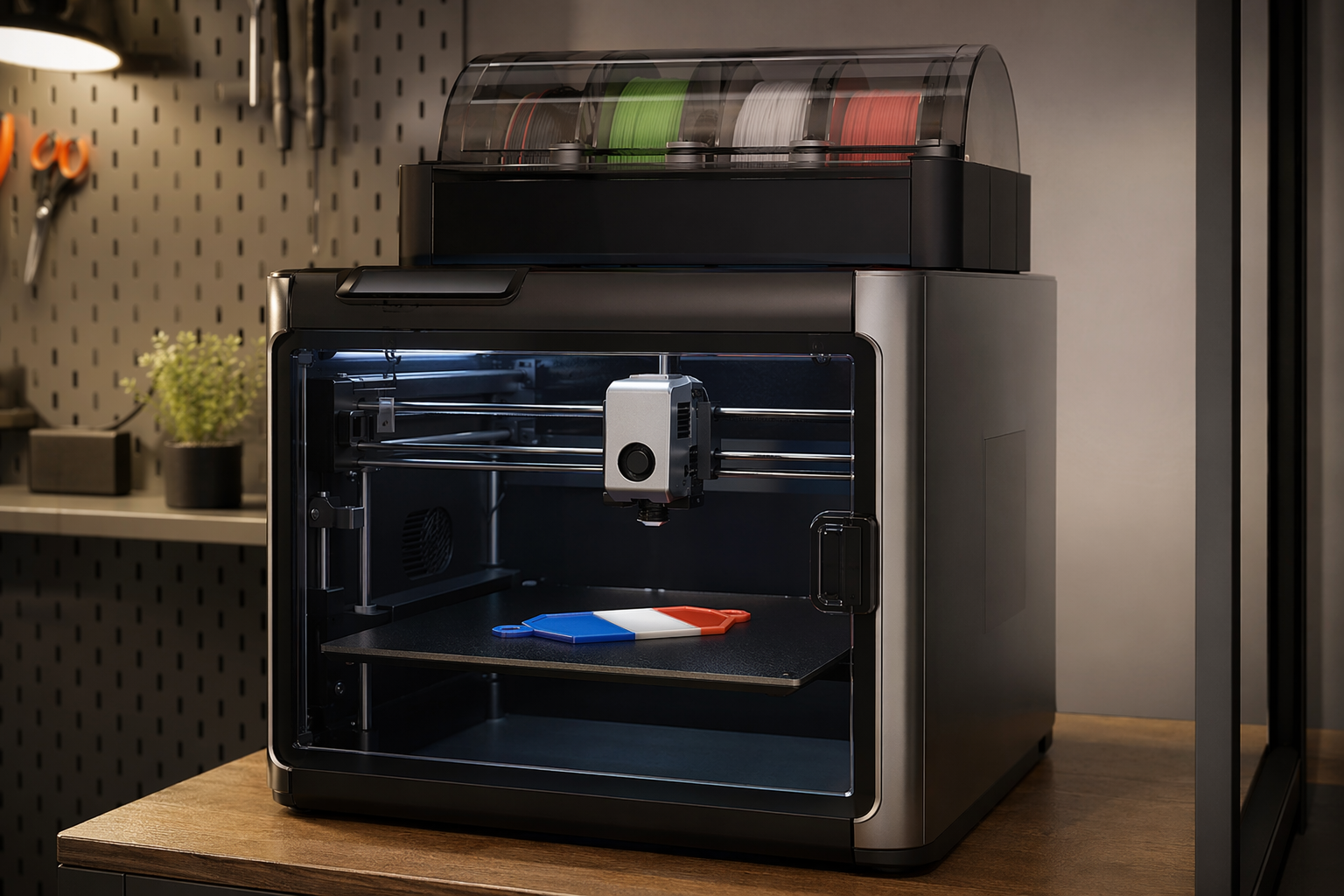
Bambu Lab printers with AMS are the easiest path to a dual-color Tagback tag — auto-load the 3MF, pick two filaments, hit Print, done. Tested on A1, A1 Mini, P1S, X1, and X1-Carbon. ~15 minutes start to print.
What you need
- A Bambu printer: A1 / A1 Mini / P1P / P1S / X1 / X1-Carbon. AMS or AMS Lite recommended for full multi-color.
- Bambu Studio (free, latest version)
- Two spools of PETG (or PLA). Bambu's own PETG-HF is excellent; any third-party PETG works.
- Tagback 3MF download from the dashboard
Workflow — 10 steps
- Open the Tagback dashboard → your tag → Designer.
- Pick 3D Tag mode. Choose Round Small / Round Large / Luggage.
- Set colors — body and QR/text — directly in the preview. The GLB preview shows the result in 3D.
- Click Download 3MF.
- Open Bambu Studio. File → Open → load the 3MF.
- Studio detects two color regions. Assign each to an AMS slot. The QR/text part should be the high-contrast filament.
- Pick the right printer profile (your A1 / X1 / etc.).
- Filament profile: Generic PETG (or Bambu PETG-HF). Layer height 0.20 mm. Walls 4. Infill 30% gyroid. Supports: none.
- Click Slice plate → preview the slice. Confirm the color swap layer looks right (you'll see two color bands in the timeline).
- Send to your printer. Print time: A1 ~14 min, X1 ~11 min (faster XY).
Per-printer notes
Bambu A1 / A1 Mini
Sweet spot for this print. Active flow compensation on the A1 makes color edges sharp. Use AMS Lite (4-slot external) — works perfectly. If you have the original A1, the magnetic Lidar bed scan is fine for a 35mm tag — no adjustments needed.
Bambu X1 / X1-Carbon
Higher speed; use the Standard print profile, not Sport — Sport mode introduces ringing on small parts like the QR raise. AMS handles up to 4 colors if you want a 3-color body + QR design. The X1's camera will record a timelapse — great share-on-socials material.
Bambu P1S / P1P
The enclosed P1S is best for PETG — keeps the chamber at 30–35 °C for slightly better layer adhesion. P1P open-frame works too, slight risk of warp in cool rooms (under 18 °C ambient). Same profile as X1.
Bambu Studio settings cheat-sheet
| Setting | Value |
|---|---|
| Print profile | 0.20 mm Standard |
| Filament 1 (body) | Generic PETG, your light color |
| Filament 2 (QR/text) | Generic PETG, your dark color |
| Wall loops | 4 |
| Top/bottom shells | 5/5 |
| Infill density | 30% |
| Infill pattern | Gyroid |
| Supports | None |
| Brim | None (or 5mm Outer only if bed adhesion issues) |
| Prime tower | On (Studio handles automatically) |
Multi-color: AMS, AMS Lite, AMS HT
Any of the three works. AMS Lite (external 4-slot, A1/A1 Mini) and AMS (internal 4-slot, X1/P1S) handle this print identically. AMS HT (high-temp) only relevant for engineering-grade filaments — not needed for PETG. Single-extruder Bambu without AMS: you can still print, just stop the print at the color-change layer and swap filament manually. Studio prompts you when to swap.
Common issues
QR color bleeds into body
Prime tower set too small. Enable Flush into objects = Off and increase prime tower size to 35 mm. This is usually only an issue if you use very similar colors (e.g. red on red).
Top surface looks rough
Enable Ironing → Top surface. Adds 90 seconds, gives a glass-smooth top where the QR meets the body. Bambu's ironing is exceptionally clean.
Stringing across the hanging hole
Increase retraction to 6 mm. Bambu's default 0.8 mm is too short for PETG. The Auto-Calibration wizard tunes this — run it once per spool brand.
Print times by variant
| Variant | A1 | P1S | X1-Carbon |
|---|---|---|---|
| Round Small | ~12 min | ~11 min | ~10 min |
| Round Large | ~18 min | ~16 min | ~14 min |
| Luggage | ~28 min | ~25 min | ~22 min |
FAQ
Do I need the AMS to print this?+
No — you can print single-color with manual filament-swap when Studio prompts. AMS just makes it hands-free.
Can I use Bambu's own filament?+
Yes. Bambu PETG-HF is excellent. Bambu PLA Basic works too if you don't need outdoor durability. Calibrate flow rate once per spool.
What about PolyTerra PLA (the matte one)?+
Works great. Matte black PolyTerra makes a striking tag. Reduce fan slightly (90% instead of 100%) for cleaner color edges.
Will the print fit on an A1 Mini's smaller bed?+
Yes — all three variants (largest is 65mm) fit on the 180×180 mm A1 Mini bed. You can batch 4 at once if you want.
Start protecting what matters
Tagback is free, forever. No subscription. No app needed for finders.
Create your free tag