
Lost Drone Recovery: What to Do in the First 60 Minutes
You're flying a clean line when the feed cuts out. Signal lost. Last known altitude: 87 meters. The drone does not come back. Whether it's a flyaway caused by compass interference, a hard crash into a tree line, or a simple fly-out-of-range event, losing a drone is disorienting — and expensive. A mid-range DJI or Autel unit runs $500 to $2,000+. The good news: recovery is absolutely possible, but only if you move fast and know exactly what to do. This guide walks through every step, in order.
Step 1: Note the Last Known GPS Coordinates Immediately
Before you do anything else — before you start walking, before you call anyone — capture the last known GPS coordinates from your controller or app. This data is timestamped and logged automatically, but it disappears from your immediate view once you close the app or the controller times out.
- DJI Fly / DJI GO 4: The app logs the last known position of the aircraft. Go to the flight log (the clock icon in the main menu) and open the most recent flight. The last recorded coordinate before signal loss is your starting point.
- Autel Explorer app: Tap the flight records icon and review the final GPS point in the telemetry log. Autel also stores altitude and speed at disconnect.
- Controller display: Many DJI RC controllers (RC-N1, RC Pro) show the aircraft's last known position on the map even after signal drops. Screenshot it immediately.
- Third-party logging apps: If you use AirData UAV or DJI Flight Hub, the full telemetry trace is stored in the cloud — log in from your phone and pull the last coordinate instantly.
Drop a pin in Google Maps or Apple Maps at those coordinates before you move. This is your search anchor. Everything else radiates from here.
Step 2: Search the Last Known Location — What to Look and Listen For
GPS accuracy on consumer drones is typically within 3 to 5 meters in open sky. In dense canopy or urban canyons, expect 10 to 15 meters of drift. When you reach the pinned location, do the following:
- Stop and listen first. Many drones (DJI Mini 4 Pro, Air 3, Mavic 3 series) emit an audible beep from the motors or a dedicated buzzer when they detect a crash or loss of signal. Stand still for 60 seconds and listen before you start moving through vegetation.
- Look up, not just down. Flyaways often end in trees. A drone stuck in a canopy may be 10 to 20 meters above ground level. Look for dangling props, a reflective body, or a blinking LED status light.
- Check the wind direction. If the drone was in a flyaway (not a crash), it drifted with whatever wind was present at altitude. Wind at 80 meters is often faster and in a different direction than ground-level wind. Factor this into your search radius.
- Use the Return to Home signal. If you still have any intermittent connection, trigger RTH from the app. Even a partial signal can re-establish control long enough for the drone to begin its return sequence.
- Mark your search grid. Use a free app like What3Words, Gaia GPS, or even Google Maps with custom pins to mark areas you've already searched. This prevents doubling back in poor light.
Step 3: DJI-Specific Tools — Find My Drone and FlightHub
DJI builds recovery tools directly into their ecosystem, and most pilots don't know about them until they need them.
- Find My Drone (DJI Fly app): Available on supported aircraft including the Mini 4 Pro, Air 3, and Mavic 3 series. When connected, the feature activates the aircraft's LED and plays an audible alarm. Even with a dead main battery, some aircraft can run the alarm off residual power for several minutes. Access it via the Safety menu in DJI Fly.
- DJI FlightHub 2: If your aircraft was registered to a FlightHub account (typically enterprise users or teams), the full flight path is stored server-side. You can replay the exact path and see the final recorded position on a satellite map.
- Bluetooth-range recall: On Mini 2 SE, Mini 3, and Mini 4 Pro, DJI Fly maintains a Bluetooth connection at short range even without Wi-Fi or OcuSync. If you physically get close to the downed aircraft, the app may reconnect and give you real-time signal-strength indicators to home in on it.
- Check DJI Care Refresh: If you have an active DJI Care Refresh plan, a flyaway incident may qualify for a replacement unit. Document everything — coordinates, flight logs, app screenshots — before filing. DJI requires a flight record upload as part of the flyaway claim process.
FAA Registration: Required, but It Won't Recover Your Drone
In the United States, any drone weighing more than 250 grams must be registered with the FAA. That covers virtually every capable camera drone — the DJI Mini 4 Pro squeaks in just under at 249g, but the Air 3, Mavic 3, and any Autel EVO are all registerable. Registration costs $5 and is valid for 3 years. Your registration number must be displayed on the exterior of the aircraft.
Here is the important caveat: the FAA does not operate a lost-and-found service. Registration helps in exactly one scenario — a finder looks up the registration number and contacts you through the FAA's publicly accessible database. In practice, most casual finders don't know this is possible. The registration number alone is a passive identifier, not an active recovery tool. This is where contact labels become critical.
QR and Contact Labels on the Drone Body: The Most Underrated Recovery Tool
In Australia, the UK, and the EU, displaying pilot contact information on the drone body is legally required. In the US it is best practice. The reasoning is simple: whoever finds your drone — a hiker, a farmer, a kid — is not going to look up your FAA registration. But they will scan a QR code if it's right there on the airframe.
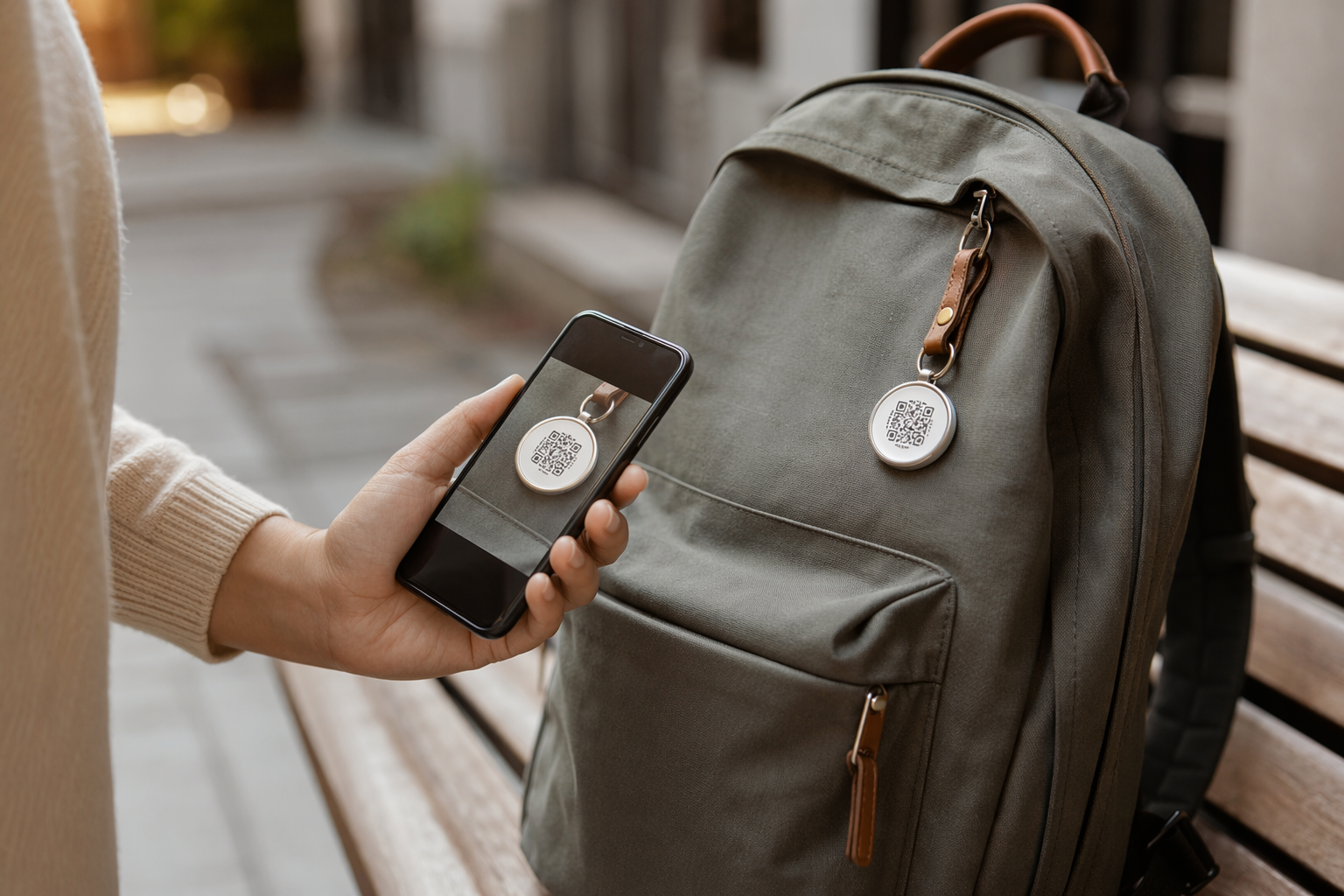
A durable QR tag attached to the body of your drone links directly to a finder page with your name, email, and a message like "This drone belongs to [you]. Please scan to return it." The finder doesn't need an account. They don't need the app. They just scan and a contact form appears. You get an immediate notification with the finder's message and location.
Tagback stickers are waterproof, UV-resistant, and designed to adhere to the smooth composite surfaces used on drone bodies. They survive crashes. A 3M-backed tag on the battery bay door or the underside of the chassis is often the single cheapest recovery tool you can add to any aircraft. At under $10, it costs less than one minute of flight time for most pilots.
Online Communities: Honest Finders Do Post
The drone community is surprisingly active in reuniting pilots with lost aircraft. Within hours of losing your drone, post in the following places:
- DJI Forums (forum.dji.com): The Lost & Found subforum has documented hundreds of successful recoveries. Include your last known coordinates, the date and time, and a photo of the aircraft.
- Reddit r/dji and r/drones: High traffic, fast responses. Local pilots in your area may recognize the terrain from your description or flight log screenshot.
- Facebook Groups: Search for your specific model ("DJI Mini 4 Pro Pilots") and your geographic area ("Drone Pilots [Your City]"). Local groups are especially effective because the finder may be in the same community.
- Nextdoor: If the drone came down in a residential or suburban area, Nextdoor reaches the exact neighbors who might have found it.
- Local drone clubs: Search the Academy of Model Aeronautics (AMA) club finder for clubs in your area. Members fly the same locations and often know the terrain and local community contacts.
Drone Insurance: What Actually Covers a Lost Aircraft
Insurance for drones is more nuanced than most pilots realize. Coverage depends heavily on the cause of loss:
- Flyaway / signal loss: Most hobbyist policies cover flyaway as a distinct event, but you must provide evidence — flight logs, last known coordinates, a police report in some cases. DJI Care Refresh includes one flyaway replacement per plan year.
- Pilot error / crash: Standard hull coverage (available through Verifly, SkyWatch.AI, or Avion Insurance) covers physical damage from crashes. This is a different coverage tier than flyaway.
- Theft: If the drone came down in a public area and someone took it before you could retrieve it, this is theft, not loss. Renters insurance or a dedicated drone policy with theft coverage applies here.
- What is not covered: Flying in restricted airspace, flying beyond visual line of sight without a waiver, or intentional damage voids most policies. Always read the exclusions before you need to file.
Prevention: How to Reduce the Risk of Losing a Drone
Recovery is possible. Prevention is better. These settings and habits eliminate most common loss scenarios:
- Set your Return to Home altitude correctly. RTH altitude should be at least 10 to 20 meters above the tallest obstacle in your flight area. Most pilots leave it at the default 30 meters — fine for open fields, dangerous near buildings or tree lines. Set it before every flight.
- Calibrate the compass before flying in new locations. Compass interference causes more flyaways than any other single factor. Always calibrate when you travel to a new area, especially near metal structures, power lines, or magnetic geology.
- Use geofencing tools responsibly. DJI's GEO system prevents flight in restricted zones, but custom geofencing (available in DJI Fly's advanced settings) can also be used to create your own boundaries. Set a maximum radius appropriate to your battery life.
- Pre-flight GPS lock check. Never take off with fewer than 12 GPS satellites locked. Watch the satellite count in your app — more satellites means more accurate RTH and position hold.
- Attach a QR recovery tag before every trip. Treat it like a propeller check. If it's not on the drone, don't fly.
A lost drone is stressful and expensive, but most are recoverable — especially in the first hour. The pilots who get their aircraft back are the ones who know their telemetry tools, have a physical contact label on the airframe, and reach out to the community immediately. The ones who don't get them back usually had no identification on the drone and waited too long to search.
FAQ
What is the first thing to do when you lose a drone?+
Immediately screenshot or record the last known GPS coordinates from your DJI Fly, DJI GO 4, or Autel Explorer app before closing anything. Drop a pin in Google Maps at those coordinates. This is your search anchor. Every minute you wait without capturing this data reduces your search accuracy.
Does DJI have a way to find a lost drone?+
Yes. DJI Fly includes a 'Find My Drone' feature that activates the aircraft's LED lights and audible alarm when you have a connection. At short range, some DJI drones maintain a Bluetooth connection even without a full RC link, which the app uses to show signal strength as you approach. DJI FlightHub 2 stores full flight telemetry server-side for registered aircraft.
Does FAA registration help recover a lost drone?+
Indirectly, and only if the finder knows to look up the registration number. The FAA does not operate a lost-and-found service. Registration is legally required for drones over 250g in the US, but for practical recovery purposes, a QR contact tag on the drone body is far more effective — a finder can scan it instantly without knowing anything about the FAA registry.
Is a QR tag on a drone legally required?+
In the EU, UK, and Australia, displaying pilot contact information on the drone body is a regulatory requirement for registered operators. In the US it is strongly recommended but not federally mandated for hobbyists. Regardless of legal requirement, a QR tag dramatically increases the chance a finder can return the aircraft — making it one of the highest-value, lowest-cost additions to any drone.
Start protecting what matters
Tagback is free, forever. No subscription. No app needed for finders.
Create your free tag