
Single-Color Printer? Three Ways to Print a Tagback
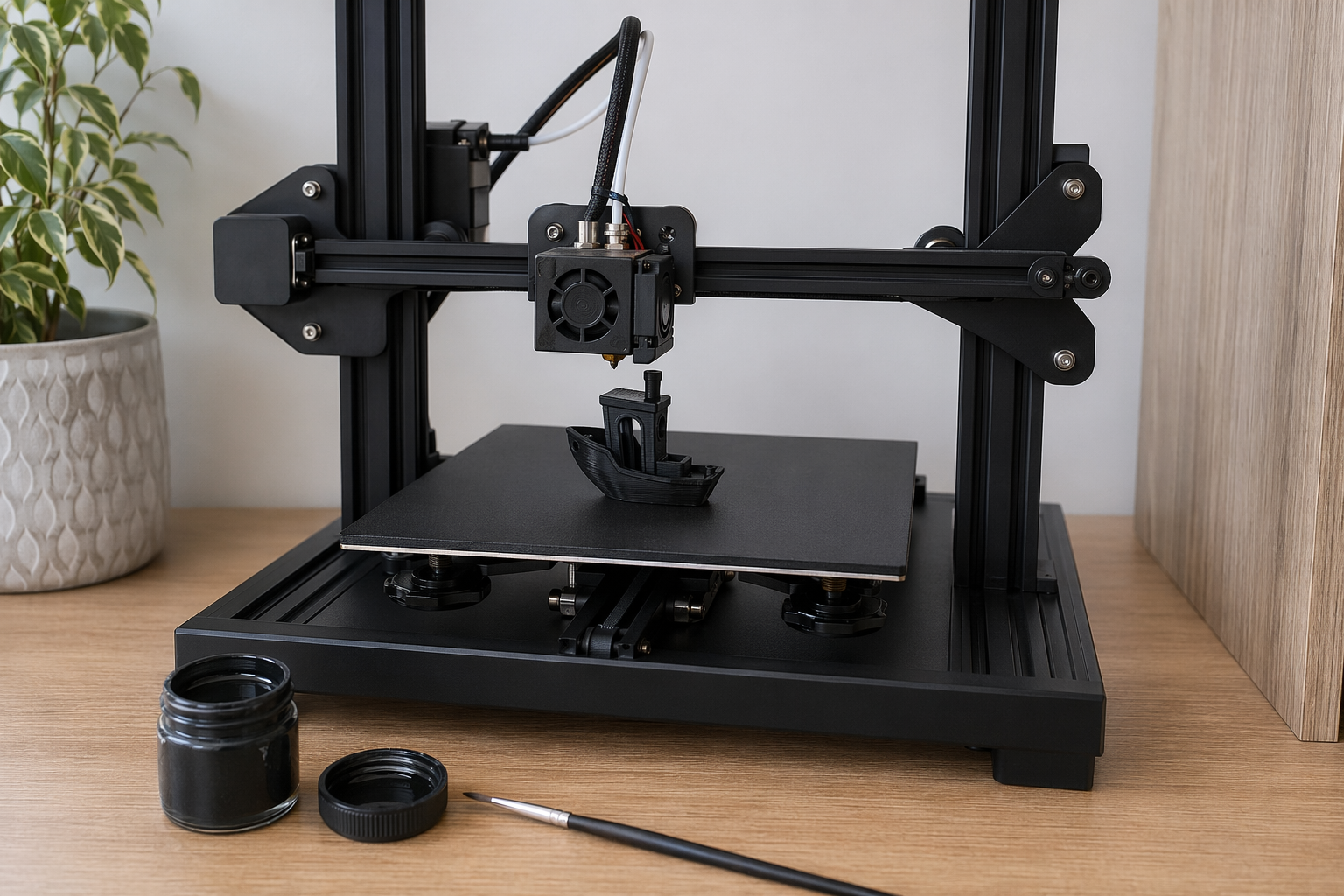
An Ender 3, Anycubic Kobra, Elegoo Neptune, FlashForge Adventurer, AnkerMake M5 — these are all single-color printers without an AMS-equivalent. Good news: there are three reliable ways to get a scannable Tagback QR out of them.
Method 1 — Manual filament-swap (M600)
Most modern slicers support inserting a filament-change pause at a specific layer. The printer pauses at that layer, prompts you to change filament, you swap, resume. Result: same dual-color look as a Bambu AMS print, just with one minute of human work in the middle.
- Load the Tagback 3MF in your slicer.
- Slice with single-color profile (PETG, 4 walls, 30% infill, 0.2 mm layer).
- In the preview, find the layer where the QR raise begins — usually layer 12 for Round Large, 8 for Round Small.
- Right-click that layer → Add custom G-code → M600. (Cura: Extensions → Filament Change. PrusaSlicer / OrcaSlicer: explicit Add at Layer.)
- Print. When the printer pauses, swap to your QR-color spool. Push through old filament until the new color extrudes cleanly, then resume.
- Total active time: ~1 minute of human work.
Method 2 — Paint-fill the QR
Print the whole tag in one color (recommended: white or yellow PETG). The QR raise is still physically present — just monochrome. Then:
- Let print cool fully.
- Get a black acrylic paint marker (Posca, Sharpie Paint, or a fine brush + black acrylic).
- Wipe the raised QR area with isopropyl alcohol.
- Roll the marker tip only across the raised QR squares — the recessed area stays white. The raised edges give you a guide, the paint only sticks to the high points.
- Let dry 10 minutes.
- Seal with one coat of clear acrylic spray or clear nail polish for outdoor durability.
Result: black-on-white QR. Scans reliably. Lasts 1–2 years outdoors with the clear coat. Many makers prefer this aesthetically — handcrafted look.
Method 3 — Inkjet the QR onto a printed body
Print a solid-color tag (no QR raise — use the alternate 3MF labelled "flat-back" in the Designer's advanced options). Then print the QR as a vinyl sticker from the dashboard and apply it to the recess. This is the same workflow as the older STL approach. Less elegant than M600 but works on any printer.
Per-printer settings
Creality Ender 3 / V3 / K1
Cura with generic PETG profile works. K1 / K2 with Creality Print: enable Klipper Input Shaping for crisp QR edges. For Ender 3 V2 / S1, calibrate Z-offset carefully — the QR raise is only 0.8 mm, so first-layer over-squish smears it.
Anycubic Kobra 2 / 3 / Max
Anycubic Slicer Next: generic PETG profile is fine but flow tends to be 5% high — reduce to 95% to keep the embossed text crisp. The Kobra 3 has multi-color (ACE Pro) — that's the AMS-equivalent path; see the Bambu guide for the same workflow.
Elegoo Neptune 4 / 4 Pro / 4 Max
OrcaSlicer with the Neptune 4 profile. PETG: 240 °C nozzle, 80 °C bed, 60 mm/s. The stock magnetic bed bonds PETG too well — let it cool to under 50 °C before removing or you'll chip the PEI.
AnkerMake M5 / M5C
M5 Studio with the high-quality profile (not Fast — Fast adds ringing on small parts). The M5's Pre-Print AI camera sometimes flags a tag-sized print as too small; override the warning.
FlashForge Adventurer 5M / Pro
FlashPrint or Orca (5M is OrcaSlicer-compatible). The 5M Pro's enclosed chamber slightly helps PETG. Generic PETG profile + flow 105% is the sweet spot — Adventurer extruders run slightly cool by default.
Sovol SV06 / SV07 / SV08
Excellent budget choice. SV08 (CoreXY) is fastest. PrusaSlicer Sovol profiles work; reduce flow to 95% (default over-extrudes slightly).
Comparison: methods vs results
| Method | Effort | Result quality | Outdoor life |
|---|---|---|---|
| 1. M600 manual swap | 1 min human + print time | Identical to AMS print | 18–24 mo |
| 2. Paint-fill raised QR | 5 min after print | Handcrafted look | 12–18 mo with clear coat |
| 3. Inkjet sticker on flat body | 2 min after print | Looks like commercial tag | 12 mo on vinyl sticker |
Recommendation
If your printer supports M600 (most do), use Method 1. Bambu and Prusa users have it easier, but a $200 Ender 3 with a 60-second pause gets you the same final result. Method 2 (paint-fill) is the most fun if you want a craft-project feel.
FAQ
Does my Ender 3 support M600?+
Yes, all Marlin and Klipper firmware (including stock Creality) support M600. Cura inserts it automatically when you add a filament-change at a specific layer.
What's the cheapest single-color printer that handles this?+
Sovol SV06 (~$200) or Creality Ender 3 V3 SE (~$180) — both produce excellent Tagback prints. Anycubic Kobra 3 (~$240) gives you optional multi-color via ACE Pro down the line.
Do I need to clear-coat the painted QR?+
Highly recommended for outdoor pets. One coat of Krylon Clear or Mod Podge dimensional magic protects acrylic paint from UV and weather. Without coating, expect 6–12 months outdoor life.
Can I print the entire tag in white and leave it monochrome?+
Technically yes — but QR contrast against fabric or fur is weak. Scan reliability drops. Better to do one of the three methods above for a usable tag.
Start protecting what matters
Tagback is free, forever. No subscription. No app needed for finders.
Create your free tag