
Embroidery File Formats — Which Does Your Machine Need?
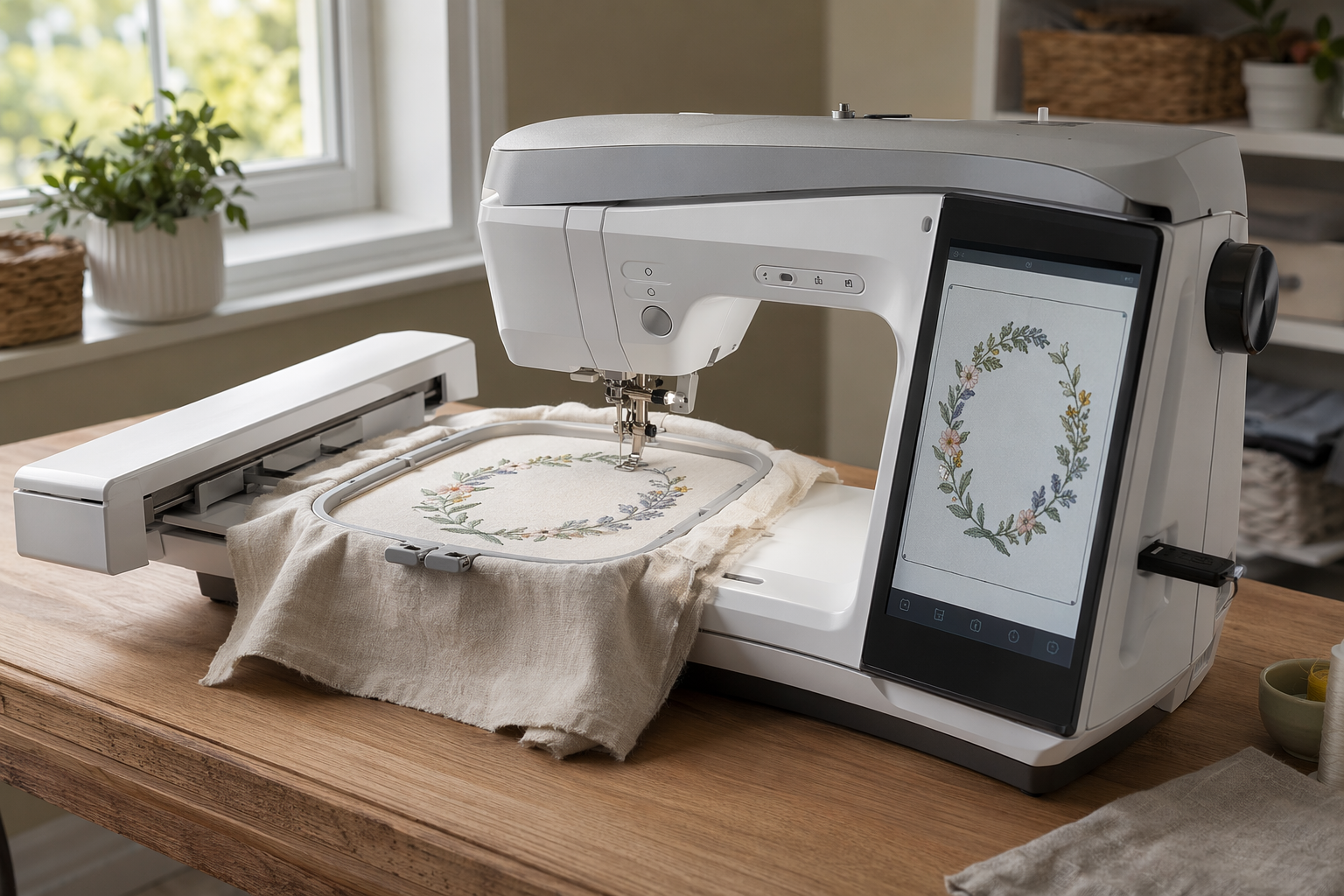
Tagback exports two embroidery formats: DST (Tajima — the de-facto universal) and PES (Brother / Babylock — most popular home machines). If your machine needs a different format, this guide covers conversion in 30 seconds.
Quick lookup by brand
| Brand | Native format | Use which Tagback file |
|---|---|---|
| Brother (any model) | PES | PES |
| Babylock | PES | PES |
| Bernina B-series | EXP / PES | PES, or convert PES → EXP |
| Bernina 7/8 series | EXP | Convert PES → EXP |
| Janome / Elna | JEF / JEF+ | Convert PES → JEF (free tools) |
| Husqvarna Viking | VP3 / HUS / SHV | Convert PES → VP3 |
| Pfaff | VP3 / VIP | Convert PES → VP3 |
| Singer Futura | XXX | Convert PES → XXX |
| Tajima commercial | DST | DST |
| Barudan commercial | U / DST | DST |
| Melco commercial | EXP / DST | DST or EXP |
| ZSK commercial | DST | DST |
| SWF commercial | DST | DST |
| Ricoma commercial | DST | DST |
Format details
DST (Tajima)
Universal. Originally developed by Tajima but adopted by virtually every commercial embroidery machine maker. DST doesn't carry color information — you set colors on the machine. Best choice if you're not sure what your machine needs; almost every commercial and many home machines read it.
PES (Brother / Babylock)
Color-aware home format. Carries thread colors, brand info (Brother PES3 / PES6+ etc), and stitch data. The most common home-machine format because Brother sells the most home embroidery machines.
EXP (Bernina, Melco)
Modern color-aware format. Used by Bernina's professional machines and Melco. Converts cleanly from PES.
JEF (Janome)
Janome's proprietary. Newer Janomes (JEF+) carry color, older just stitch. Conversion from PES is free and instant.
VP3 (Husqvarna Viking, Pfaff)
Husqvarna's modern format (Pfaff is the same parent company). Replaces HUS / SHV / VIP.
Other formats (XXX, EXP, U, KSM, etc.)
Each manufacturer has a proprietary format. All convert from DST or PES with free tools below.
How to convert in 30 seconds
Free tools that work:
- Ink/Stitch — free Inkscape plugin. Opens PES, exports DST/JEF/EXP/VP3/XXX/HUS. Best free option.
- SewArt — paid ($75 one-time) but more polished. Handles every format.
- Embird — pro-level ($250+). Most embroidery shops use this.
- Embroidery Online converters — free web tools (search: "convert PES to JEF"). Watch privacy if your design is sensitive — but Tagback QRs aren't secret, the QR is meant to be scanned by anyone.
Step-by-step: convert PES to anything
- Install Inkscape (free, all platforms) and the Ink/Stitch extension.
- Open Inkscape → File → Open → load your Tagback PES.
- Extensions → Ink/Stitch → Export → choose target format (JEF, VP3, EXP, etc).
- Save the new file to a USB stick.
- Plug into your machine, load. Done.
Hoop size note
Tagback exports for an 80×80 mm hoop (5×5 inch — the standard home-machine size). All major hoops from 5×5" and up will fit. If your machine has only a 4×4" hoop, you'll need to scale the design to 100×100 mm in your embroidery software — stitch density adjusts automatically and the QR still scans.
Thread color
Tagback exports as a single thread color — you pick which one in the Designer. DST doesn't carry colors so you set them on the machine. PES / EXP / JEF / VP3 carry colors but you can override at the machine anyway. Pick high-contrast: dark thread on light fabric, or vice versa.
If your file won't load
- Format mismatch — your machine needs the format from the table above. Convert via Ink/Stitch.
- USB stick formatted wrong — most machines need FAT32, not exFAT/NTFS. Reformat the stick.
- File too large — unusual for a QR; if it happens, your machine's max-stitch-count was hit. Scale up the design 10–20% — stitch count goes down per square mm.
- Old machine, no USB — use a CompactFlash card adapter or the OEM transfer cable. Older Brother machines need PE-Design software.
FAQ
My machine reads multiple formats. Which is best?+
DST is the safest universal choice. PES carries color metadata but DST is more reliably readable on older firmware. If both are options, try DST first.
Does converting reduce quality?+
No. The underlying stitch data is preserved exactly. Conversion only changes how the file is wrapped — the needle moves identically.
Can I edit the design after converting?+
Yes — in Ink/Stitch or any embroidery software. You can change colors, scale, move it on the hoop, or split into multiple thread changes. Don't change the QR pattern itself though; that breaks scanning.
What about new wireless formats like Brother Stitch Vision?+
Brother's Stitch Vision uses PES under the hood. Same workflow. The wireless adds the convenience of sending from a tablet rather than a USB stick.
Start protecting what matters
Tagback is free, forever. No subscription. No app needed for finders.
Create your free tag